gym workout plan app
Gym Workout Plan App: 8 Features That Make Training Easier
A good gym workout plan app should do more than list exercises. Here are the practical features that help you choose a better app and stay consistent.
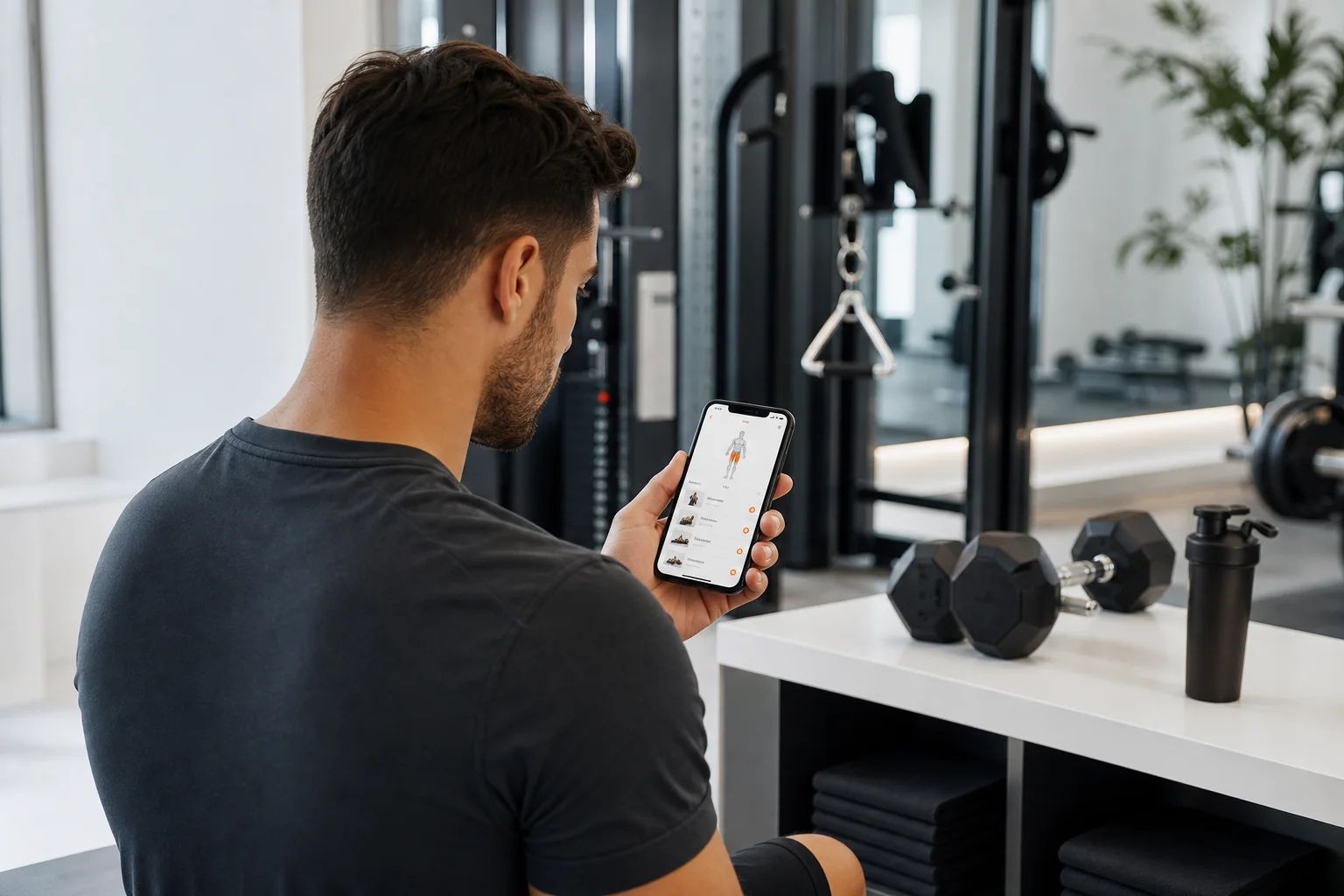
Searching for a gym workout plan app usually means you want more than a library of exercises. You want to know what to do today, how hard to train, what equipment to use, and whether your plan is actually moving you forward.
The challenge is that many fitness apps look similar in an app store. Some offer attractive workout videos but little structure. Others create a plan but do not explain how to adjust it when your schedule, energy, or equipment changes. The most useful option is usually the one that turns your goals and real-world constraints into a repeatable training system.
This guide explains the features worth checking before you download a gym program app, along with a simple way to test whether it fits your training style.
What should a gym workout plan app actually do?
A useful app should reduce decision fatigue without taking away your control. It should give you a clear session, help you perform it correctly, and use your workout history to make future sessions more relevant.
That does not mean every app needs dozens of advanced tools. The essentials are personalization, sensible progression, flexible scheduling, clear exercise instructions, and reliable tracking. Features are valuable when they help you train consistently—not simply because they appear in a feature list.
8 features to look for before choosing an app
1. Goal-based plan creation
Start with the way the app builds your plan. A serious gym workout plan app should ask about your primary goal, training experience, preferred schedule, available equipment, and the types of workouts you enjoy.
Strength, muscle building, general fitness, and fat-loss support can all require different priorities. A good plan may also change the balance between full-body sessions, upper- and lower-body work, conditioning, and recovery depending on how often you can train.
Be cautious of apps that give every user the same routine with only a different title. Personalization should affect the actual exercises, training frequency, volume, and progression—not just the welcome screen.
2. A plan that works with your equipment
Your ideal routine must be realistic in the gym you use. If an app prescribes a barbell, cable station, or machine that is unavailable, you need a clear alternative rather than a plan you cannot complete.
Look for equipment-based training that can adapt to options such as a full commercial gym, a limited apartment gym, free weights, machines, resistance bands, or bodyweight movements. Exercise substitutions should preserve the main training purpose of the movement while fitting your setup.
For a deeper look at this planning approach, read AI Workout Plan by Equipment: How to Build a Routine Around What You Have.
3. Progression that is easy to understand
A workout plan should tell you how to progress. That might mean adding a small amount of weight, completing an additional repetition, increasing total sets, improving exercise control, or using a more challenging variation.
Progression does not need to be aggressive. In fact, a sustainable approach leaves room for normal changes in sleep, stress, experience, and recovery. The best workout apps make progression visible so you can understand why the next session looks different from the last one.
When comparing apps, ask:
- Does the app remember the weight and repetitions you completed?
- Can you see previous performance for each exercise?
- Does it suggest when to increase difficulty?
- Can you adjust a session if you are having a lower-energy day?
4. Flexible scheduling
Consistency is easier when a plan fits your week. A rigid calendar can become frustrating if work, travel, family responsibilities, or gym availability interrupt your schedule.
Look for a weekly workout planner that lets you move sessions, change the number of training days, and continue without feeling that one missed workout has ruined the entire program. A strong plan should adapt to your availability while still maintaining sensible recovery between demanding sessions.
If you want help organizing your week, see Weekly Workout Planner: Build a Training Week That Adapts to You.
5. Clear exercise guidance
Exercise names are not always enough, particularly when you are learning a movement or using unfamiliar equipment. Check whether the app provides concise instructions, setup guidance, movement cues, target-muscle information, and common mistakes to avoid.
Good guidance should help you answer practical questions quickly: Where do I start? What should I control? What range of motion is appropriate for this exercise? When should I stop the set?
Visual demonstrations can be useful, but they should support—not replace—clear written instructions. You should also be able to pause, review, and move through a session at your own pace.
6. AI coach chat with useful context
An AI coach can be helpful when it understands your current plan and training history. For example, you might ask how to replace an exercise, whether a session can be shortened, or how to interpret a difficult set.
The quality of the answers matters more than the label. A useful coach should give specific, practical suggestions and recognize when a question falls outside general fitness guidance. It should not make medical diagnoses, promise guaranteed results, or encourage you to ignore pain or professional advice.
Consider testing the coach before committing. Ask a realistic question about your equipment, schedule, or recent workout and see whether the answer is actionable rather than generic.
7. Workout tracking and progress insights
Tracking turns a workout plan into a feedback loop. At minimum, an app should let you record exercises, sets, repetitions, load, duration, and notes. More advanced progress insights may help you review consistency, training volume, personal bests, and changes over time.
Progress is not limited to body weight or appearance. Improvements in technique, repetitions, load, range of motion, workout completion, and confidence can all show that your training is becoming more effective.
For practical logging principles, read Workout Progress Tracking: How to Log Training and See Real Results.
8. A simple experience you will keep using
The best app is one you can use comfortably during a real workout. Before downloading, consider how quickly you can start a session, whether the screen is easy to read between sets, and whether logging requires too many taps.
Also review the app’s privacy information, subscription terms, supported devices, and data controls. Health and fitness apps may handle personal information, so you should understand what is collected and how your data is managed.
How to compare gym workout apps in the app store
App-store descriptions can help you create a shortlist, but they should not be your only test. Use this five-step process:
- Define your training situation. Write down your goal, available days, preferred workout length, experience level, and equipment.
- Check the plan-building flow. See whether the app asks meaningful questions or immediately assigns a generic routine.
- Inspect the first week. Look for balanced sessions, realistic duration, exercise alternatives, and rest guidance.
- Test the logging process. A tracking system should be fast enough to use while you are training.
- Look for adjustment tools. Plans should have a way to respond to missed sessions, equipment changes, and changing readiness.
Ratings and reviews can reveal recurring usability problems, but remember that user needs vary. A beginner may value explanations and confidence-building structure, while an experienced lifter may prioritize progression controls and detailed history.
Where GymPT fits
GymPT is designed for people who want structured training without relying on a one-size-fits-all routine. It can create personalized workout plans based on your goals, available equipment, and training preferences, then support the process with AI coach chat, body analysis, workout tracking, and progress insights.
The practical advantage is that planning, guidance, and feedback stay connected. You can begin with a suitable routine, make adjustments when circumstances change, and use completed workouts to understand your training more clearly.
Explore the differences between generic and adaptive planning in Personalized Workout Plan: Why Adaptive Training Beats Generic Routines. If you are new to strength training, AI Gym Plan for Beginners: A Safer, Smarter Way to Start Training is another useful place to begin.
Frequently asked questions
Is a gym workout plan app worth using?
It can be worthwhile if it helps you train consistently, reduces planning time, and gives you a clear way to track progression. An app is less useful when it only displays random workouts without connecting them into a coherent plan.
Can an app replace a personal trainer?
An app can provide structure, exercise guidance, and general coaching support, but it does not replace individualized assessment from a qualified professional. If you have an injury, medical condition, or unusual symptoms, seek appropriate professional guidance before changing your training.
Should beginners use an AI workout planner?
Beginners can use one if the plan is simple, the instructions are clear, and progression is gradual. Start with manageable sessions, learn the movement patterns, and prioritize consistent technique over lifting heavier immediately.
Final takeaway
Choosing a gym workout plan app is less about finding the app with the longest exercise library. It is about finding one that understands your situation, gives you a realistic plan, adapts when life changes, and makes progress easy to review.
Use personalization, equipment flexibility, progression, coaching, tracking, and usability as your checklist. When those features work together, an app becomes more than a timer or exercise database—it becomes a practical training companion you can keep using.