best workout planner app
Best Workout Planner App: 9 Features That Make Training Easier
The best workout planner app is not simply the one with the biggest exercise library. It should help you choose realistic sessions, adapt to your equipment and schedule, track what you do, and make your next workout easier to plan.
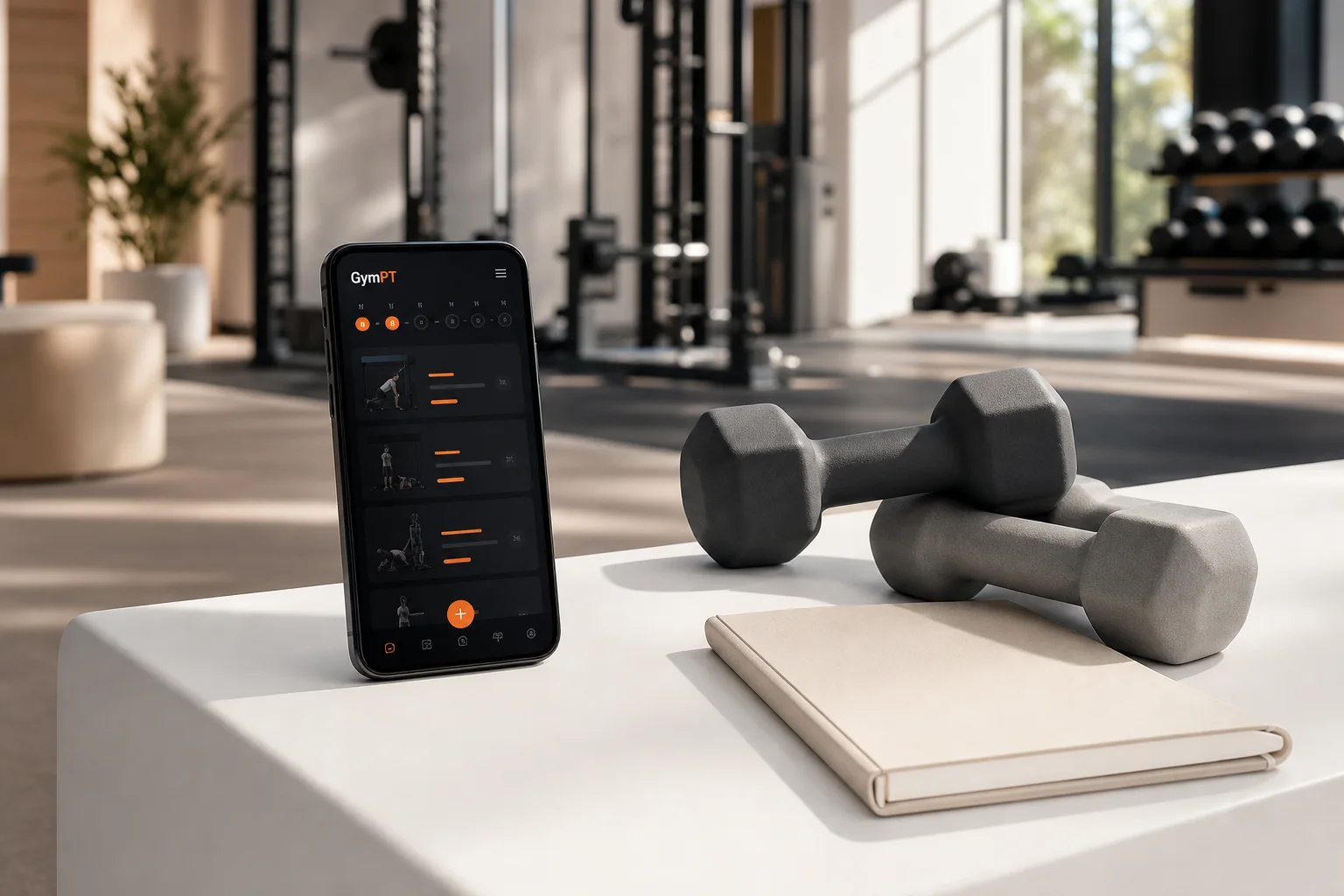
Searching for the best workout planner app can quickly turn into a comparison of exercise libraries, attractive dashboards, and impressive feature lists. But the most useful app is not necessarily the one with the most workouts. It is the one that helps you train consistently, choose appropriate sessions, and understand how your plan should develop over time.
That means a good workout planner should do more than display exercises. It should connect your goal, experience, schedule, available equipment, and recent training history into a plan you can realistically follow.
What should the best workout planner app actually do?
Before comparing apps, define what “best” means for your situation. Someone training at home with adjustable dumbbells needs different planning support from someone using a fully equipped gym. A beginner may need exercise explanations and confidence-building structure, while an experienced lifter may care more about progression, volume, and flexible substitutions.
At a minimum, look for an app that helps you answer four practical questions:
- What should I do today?
- How should I perform each exercise?
- How does this workout fit into my week?
- What should change as I improve?
If an app cannot answer those questions, it may be an exercise database rather than a true planning tool.
9 features to look for in a workout planner app
1. Personalization based on your real starting point
A personalized workout planner should consider more than your selected goal. Useful inputs can include training experience, preferred training days, session duration, fitness level, movement preferences, and limitations you want to work around.
Personalization does not mean promising a completely unique physiological response. It means reducing unnecessary friction. A plan that fits your available time and current ability is more practical than a generic routine that looks excellent but is difficult to complete.
2. Equipment-based workout creation
Your plan should match the equipment you can actually use. If you only have bodyweight space, resistance bands, or a pair of dumbbells, the app should not repeatedly prescribe exercises requiring machines you do not own.
Equipment-based planning also makes substitutions more useful. When a cable station is occupied or a home setup changes, you should be able to replace an exercise while keeping the intended training pattern intact.
For home training, see this guide to an AI workout planner without equipment.
3. A weekly structure instead of isolated workouts
One of the easiest ways to overcomplicate training is to choose random workouts day by day. A better app creates a weekly structure that balances training frequency, muscle groups, movement patterns, and recovery.
For example, a three-day schedule might use full-body sessions, while a four-day schedule could use an upper-lower structure. The right choice depends on how often you can train and how well you recover—not on which split is most popular online.
A planner should also make missed sessions easier to manage. If work or travel disrupts your week, the app should help you reschedule without turning one missed workout into a completely confusing plan.
4. Clear progression guidance
Exercise selection is only one part of a training plan. To improve, you need some form of progressive overload: gradually increasing the challenge through more repetitions, additional load, better control, extra sets, or harder exercise variations.
Current resistance-training guidance supports progressive training, but progression should still be appropriate to the individual. The best workout planner app should help you see what you previously completed and provide a sensible next step rather than encouraging constant maximal effort.
- Record sets, repetitions, load, and completion.
- Show previous performance when you repeat an exercise.
- Offer room to adjust when a prescribed target is too easy or too difficult.
- Make progression visible across multiple weeks.
5. Built-in exercise explanations
A plan is easier to follow when every exercise has clear instructions. Look for demonstrations or coaching cues that explain setup, movement, breathing, range of motion, and common mistakes.
This matters especially for beginners, but experienced trainees also benefit when an app introduces an unfamiliar variation. Instructions should be concise enough to use during a workout and specific enough to support good technique.
6. AI coach chat that adds context
An AI workout app can be useful when its coaching is connected to your plan. Instead of offering generic motivation, an AI coach should help you understand decisions such as:
- Why a particular exercise appears in today’s session.
- How to modify a movement when equipment is unavailable.
- What to do if you have less time than expected.
- How to interpret a difficult or unusually easy workout.
- How to stay consistent after missing a session.
Chat should support your training decisions, not replace professional medical or clinical advice. The most useful answers are practical, transparent, and connected to your goals and recorded activity.
7. Progress tracking that goes beyond completed workouts
A workout tracking app should help you see more than a chain of check marks. Useful tracking can include exercise performance, training frequency, volume, personal records, body measurements, progress photos, and subjective notes such as energy or difficulty.
Not every metric needs to be tracked every day. The important point is that the app helps you identify patterns. Are you training consistently? Are certain exercises improving? Are sessions becoming too long? Do you perform better when you allow more recovery?
For a deeper look at logging and progress, read Workout Progress Tracking: How to Log Training and See Real Results.
8. Body analysis used as context, not a promise
Some modern fitness apps include body analysis features. These can help organize information about body composition, measurements, posture, or visual progress, depending on how the feature works.
Use body analysis as one source of context—not as a definitive judgment about your health or potential. Measurements can vary with lighting, hydration, clothing, camera angle, and timing. A strong planner combines these observations with training performance, consistency, and how you feel during sessions.
9. A simple experience you will keep using
Even an intelligent plan is ineffective if it takes too long to start a workout. Check how quickly you can open a session, review the next exercise, record a set, and make an adjustment.
Good usability includes readable exercise screens, minimal tapping, easy editing, reliable history, and a clear view of your weekly schedule. Convenience is not a superficial feature. It directly affects whether planning and logging become regular habits.
How GymPT fits the workout planner app checklist
GymPT is designed as a practical example of what a modern personalized workout planner can combine in one place. You can use it to create training plans around your goals, experience, schedule, and available equipment, then use the plan as a starting point for structured workouts.
Its AI coach chat gives you a way to ask training questions in context, while body analysis and progress insights add more information to your fitness journey. Workout tracking helps connect what you planned with what you actually completed.
The main advantage of combining these features is continuity. Your plan, coaching questions, completed sessions, and progress information do not have to live in separate tools. That can make it easier to notice what is working and decide what to adjust next.
If you want to compare planning approaches, explore the guide to an app that creates workouts. You can also learn how an adaptive fitness program app can respond more flexibly to changing schedules and training needs.
A quick test before choosing an app
Before committing to any workout planner, run through a realistic test. Do not only browse the home screen. Try to create a plan that reflects how you genuinely train.
- Enter your actual schedule. Choose the number of days and session length you can maintain during a normal week.
- List your available equipment. Include what you have at home or reliably access at the gym.
- Preview a complete session. Check whether the exercises, order, instructions, and rest guidance make sense.
- Make one substitution. See whether the app can adapt when an exercise is unavailable.
- Log the workout. Notice how easy it is to record sets, repetitions, load, and notes.
- Review the next step. Look for a clear way to understand future progression or plan adjustments.
This process reveals more than a feature list. It shows whether the app supports your actual behavior.
Common mistakes when comparing workout apps
- Choosing the app with the largest exercise library. More exercises do not automatically create a better plan.
- Confusing novelty with progression. Constantly changing workouts can make improvement harder to evaluate.
- Ignoring recovery. A demanding plan is not automatically a productive plan.
- Tracking too many metrics. Start with the information you will consistently record.
- Picking an unrealistic schedule. A repeatable three-day plan is often more useful than an abandoned six-day plan.
- Expecting AI to make every decision for you. Use coaching features to understand and adjust your training, while staying responsible for your choices.
So, what is the best workout planner app?
The best workout planner app is the one that turns your goal into a realistic weekly routine, matches your equipment, explains what to do, records what happened, and helps you make the next decision.
For many people, that means looking beyond prewritten routines. A personalized plan with AI coaching, equipment-aware workouts, body analysis, workout tracking, and progress insights can provide a more connected experience than a basic exercise library.
GymPT is built around that connected approach. Whether you are starting from scratch, training at home, or trying to bring more structure to gym sessions, the goal is simple: make each workout easier to plan, complete, and learn from.
For another practical planning format, see this AI weekly workout planner guide.
Frequently asked questions
Are workout planner apps suitable for beginners?
They can be, especially when they provide clear exercise instructions, manageable session lengths, and a gradual plan. Beginners should prioritize learning movement patterns and building consistency instead of chasing advanced routines.
Can a workout app replace a personal trainer?
An app can provide structure, demonstrations, tracking, and general coaching support. It cannot observe every movement in person or provide individualized clinical assessment. If you have a medical condition, injury, or specific rehabilitation need, consult an appropriately qualified professional.
How often should a workout plan change?
There is no universal calendar for changing a plan. Keep a routine long enough to evaluate performance, consistency, and recovery. Adjust it when your goal, schedule, equipment, or ability changes—not simply because a new routine looks interesting.