AI strength training app
AI Strength Training App: How to Use AI for Smarter, More Consistent Workouts
An AI strength training app can make resistance training easier to plan, adjust, and track. Learn what AI can do well, where human judgment still matters, and how GymPT supports more consistent training.
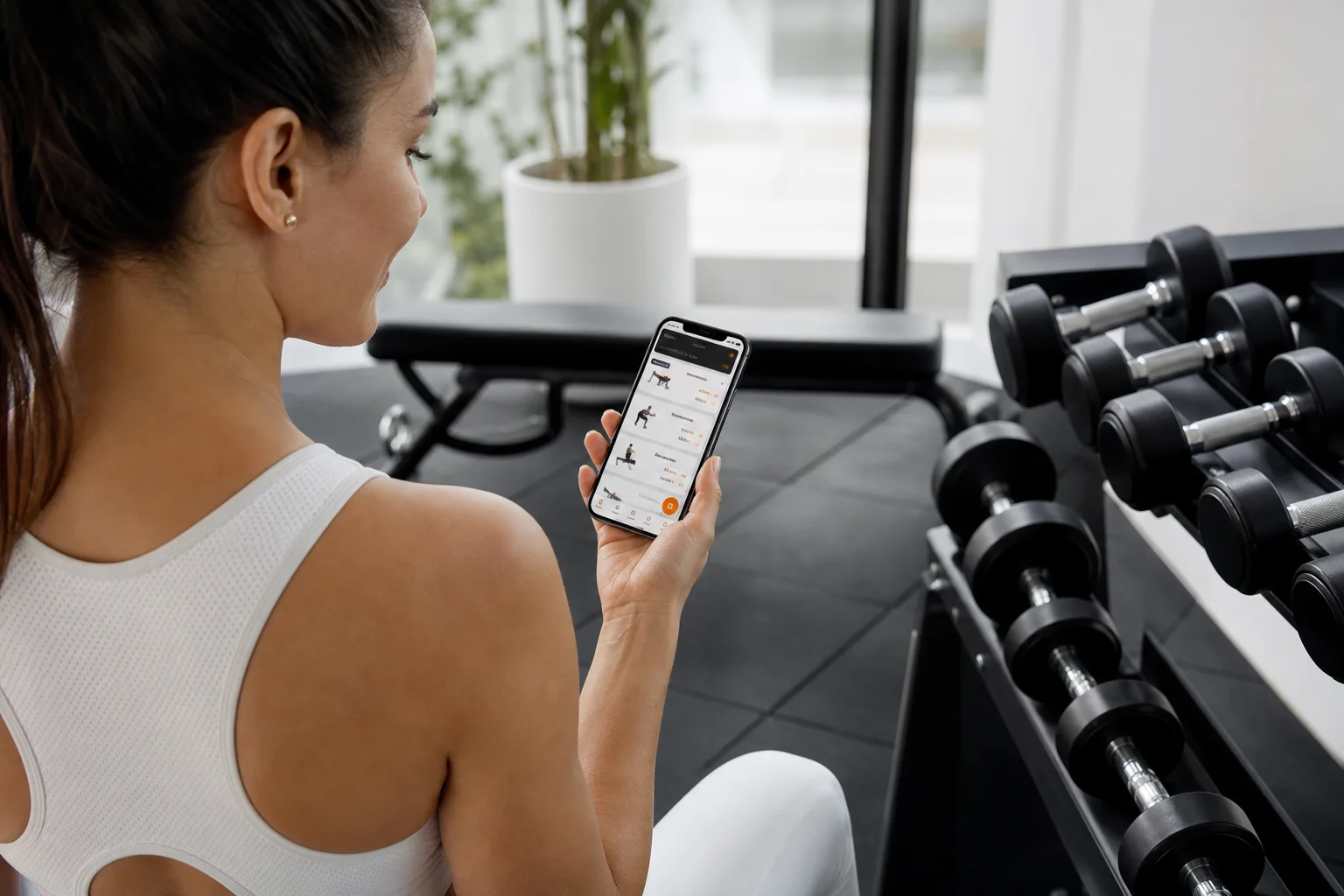
Strength training is simple in principle: challenge your muscles regularly, recover well, and gradually do more over time. In practice, many people struggle with the details. Which exercises should you choose? How many sets should you perform? When should you increase the weight? What should you do when you miss a workout or have less equipment than expected?
An AI strength training app can help organize those decisions into a practical training system. Instead of giving every user the same routine, AI can use information such as your goal, experience, schedule, available equipment, workout history, and feedback to suggest a more relevant plan.
That does not mean AI replaces a qualified coach or guarantees results. Its most useful role is supporting better decisions and reducing the friction between knowing you should train and actually completing a sensible workout. GymPT is designed around that role, combining personalized workout planning, AI coach chat, equipment-based training, workout tracking, body analysis, and progress insights in one app.
What an AI strength training app actually does
“AI-powered” can mean many different things. In a strength training app, the practical value usually comes from how well the system connects your information to clear training actions.
1. It turns your goal into a starting plan
Your objective affects the structure of your workouts. Someone focused on building strength may need a different exercise order, loading strategy, and recovery pattern than someone training for general fitness or muscle gain.
An AI workout planner can use your stated goal, training experience, preferred frequency, and session length to create a starting point. The plan may include a weekly schedule, exercise selection, sets, repetitions, rest guidance, and progression suggestions.
The important word is starting. A good plan should be treated as a working hypothesis that becomes more useful as the app learns from your completed workouts and feedback.
2. It matches exercises to your equipment
A plan is only useful if you can perform it. A routine built around barbells and cable machines will not work well if you train at home with adjustable dumbbells and resistance bands.
Equipment-based planning helps close that gap. You can train around the tools you actually have and receive alternatives when a specific movement is unavailable. This is especially useful when you move between a commercial gym, a home setup, and travel workouts.
For more ideas on matching your routine to your environment, explore Equipment Based Workout Plans: Match Your Training to the Gym You Use.
3. It remembers your training history
Manual planning often breaks down because people forget what they did last week. An app can keep a record of exercises, sets, repetitions, loads, session completion, and other useful training notes.
That history helps you answer practical questions: Are you consistently training each major muscle group? Are your loads gradually increasing? Are you repeating the same workout without a clear progression? Have you skipped a movement because it does not fit your current equipment or schedule?
Tracking does not create progress by itself, but it makes progress easier to see and evaluate.
4. It adjusts recommendations using feedback
Training rarely goes exactly as planned. You may sleep poorly, feel unusually fatigued, have less time than expected, or find that a prescribed weight is too easy or too challenging.
An adaptive fitness program can use your workout feedback to suggest adjustments. Those adjustments might include changing an exercise, reducing volume, offering a shorter session, or helping you choose a more appropriate progression for the next workout.
This is one of the strongest practical reasons to use AI: not because the initial plan is perfect, but because the plan can become more responsive than a static PDF routine.
Why personalization matters in strength training
There is no single best workout plan for everyone. The most effective routine is influenced by your current ability, goals, schedule, available equipment, exercise preferences, and capacity to recover.
Personalization also improves usability. A routine that fits your week is more likely to be completed than a theoretically excellent routine that requires five long gym sessions when you only have three short windows available.
For example, an AI strength training app might help you:
- Choose a two-, three-, four-, or five-day training schedule.
- Build full-body sessions when you need efficient workouts.
- Use an upper-lower or push-pull-legs structure when you train more frequently.
- Replace unavailable exercises with practical alternatives.
- Adjust a workout when you have limited time or equipment.
- Keep a clearer record of your sets, repetitions, and loads.
If you are comparing different weekly structures, you can also read Personalized Workout Plan: Why Adaptive Training Beats Generic Routines.
How AI supports progressive overload
Progressive overload means gradually increasing the challenge placed on your muscles. That challenge can come from adding weight, performing more repetitions, completing more sets, improving technique, increasing range of motion, or using a more demanding variation.
Many beginners think progressive overload means adding weight every workout. That is only one option, and it is not always appropriate. A more sustainable approach is to progress when your performance and technique show that you are ready.
An AI coach can make this process easier by connecting your previous performance with your next recommendation. For example, it may help you identify when you have repeatedly reached the top of a repetition range, or when a load has become difficult to manage with good form.
You still need to judge how the set felt and whether the movement was controlled. AI can organize the information, but your feedback remains essential.
A simple progression example
- Start with a load that allows you to complete the target repetitions with controlled technique.
- Record the actual repetitions and load after the workout.
- Repeat the movement until performance is consistent rather than changing everything too quickly.
- Increase the challenge gradually when the current workload becomes manageable.
- If technique breaks down or recovery is poor, maintain or reduce the workload instead of forcing progression.
What to look for in an AI workout planner
Not every app that uses AI offers the same level of practical support. Before choosing one, look beyond the marketing language and check whether it helps with the complete training loop.
Goal and experience setup
The app should ask enough questions to understand your objective and current experience. A plan for a first-time lifter should not look identical to a plan for someone who has trained consistently for years.
Equipment flexibility
Look for support for the equipment you actually use, along with substitutions when your setup changes. This helps prevent the common problem of abandoning a plan because one exercise is not available.
Clear progression guidance
A useful app should explain what to do next, not just list exercises. Progression suggestions, rest guidance, and simple performance records make a plan easier to follow.
Conversation and explanations
AI coach chat can be useful when you have questions between workouts. You might ask how to structure a missed session, how to use an alternative exercise, or how to interpret a difficult workout.
The best answers should be practical and appropriately cautious. An AI coach should not diagnose injuries, make medical decisions, or encourage you to train through serious pain.
Progress insights
Good tracking should help you understand patterns, not overwhelm you with numbers. Useful insights might show consistency, changes in performance, completed sessions, and areas that need more attention.
For a broader feature checklist, see Gym Workout Plan App: 8 Features That Make Training Easier.
Where AI coaching has limits
Research on AI-assisted exercise programming is promising but still developing. Current evidence supports the feasibility of using AI for tasks such as organizing data, recognizing activity, estimating workloads, and providing conversational support. However, long-term effectiveness and the quality of closed-loop adaptive programming are not yet established across commercial fitness platforms.
That matters because a workout recommendation can sound confident while still being poorly matched to a person’s experience, limitations, or context. AI-generated advice should therefore be treated as guidance, not as an unquestionable prescription.
Use extra caution if you have an injury, a medical condition, significant pain, or a history of adverse reactions to exercise. In those situations, seek advice from an appropriate healthcare or exercise professional before relying on an app-based program.
For general training, keep the same fundamentals in place:
- Use controlled technique and an appropriate range of motion.
- Progress gradually rather than chasing maximum loads every session.
- Allow enough recovery between demanding sessions.
- Train the major muscle groups with a balanced selection of movements.
- Record how the workout felt, not only what the app prescribed.
- Stop and reassess if you experience sharp, unusual, or worsening pain.
How to get better results from an AI strength training app
The quality of the recommendations depends partly on the quality of the information you provide. Be specific about your schedule, equipment, experience, and preferences. If a movement feels unsuitable, record that feedback rather than silently skipping it.
Also, complete enough workouts before judging the plan. Constantly changing routines makes it difficult to identify what is working. Give the app meaningful data, follow the plan consistently for a reasonable period, and review your progress periodically.
A useful weekly review can include:
- How many planned sessions you completed.
- Which exercises improved in repetitions, load, or control.
- Whether the session length fits your schedule.
- Whether any muscle group or movement pattern is being neglected.
- How your energy and recovery compared with the previous week.
GymPT is built to support this process. You can begin with a personalized workout plan, use AI coach chat when questions arise, train with the equipment available to you, and use workout tracking and progress insights to make more informed adjustments.
Is an AI strength training app worth using?
For many people, the answer is yes—especially if the main challenge is planning, consistency, or knowing how to progress. An AI strength training app can bring structure to your week without forcing you into a generic routine.
Its value is highest when it helps you take consistent action while keeping you involved in the decision-making process. Think of AI as a planning and feedback tool: useful for organizing information, suggesting options, and answering everyday training questions, but not a replacement for professional assessment when your situation requires it.
The best system is not the one that promises the most dramatic result. It is the one that helps you train appropriately, track what you are doing, adapt when life changes, and keep making sensible progress over time.
If you are ready to build a routine around your available days and recovery, start with a Weekly Workout Planner: Build a Training Week That Adapts to You.