gym digital member connection workflow
Gym Digital Member Connection Workflow: A Practical Guide for Gyms
A practical gym digital member connection workflow helps gyms connect members, personal trainers and branches without creating automatic access to private training data. Learn how to structure invitations, approvals, staff roles and ongoing follow-up with clear member control.
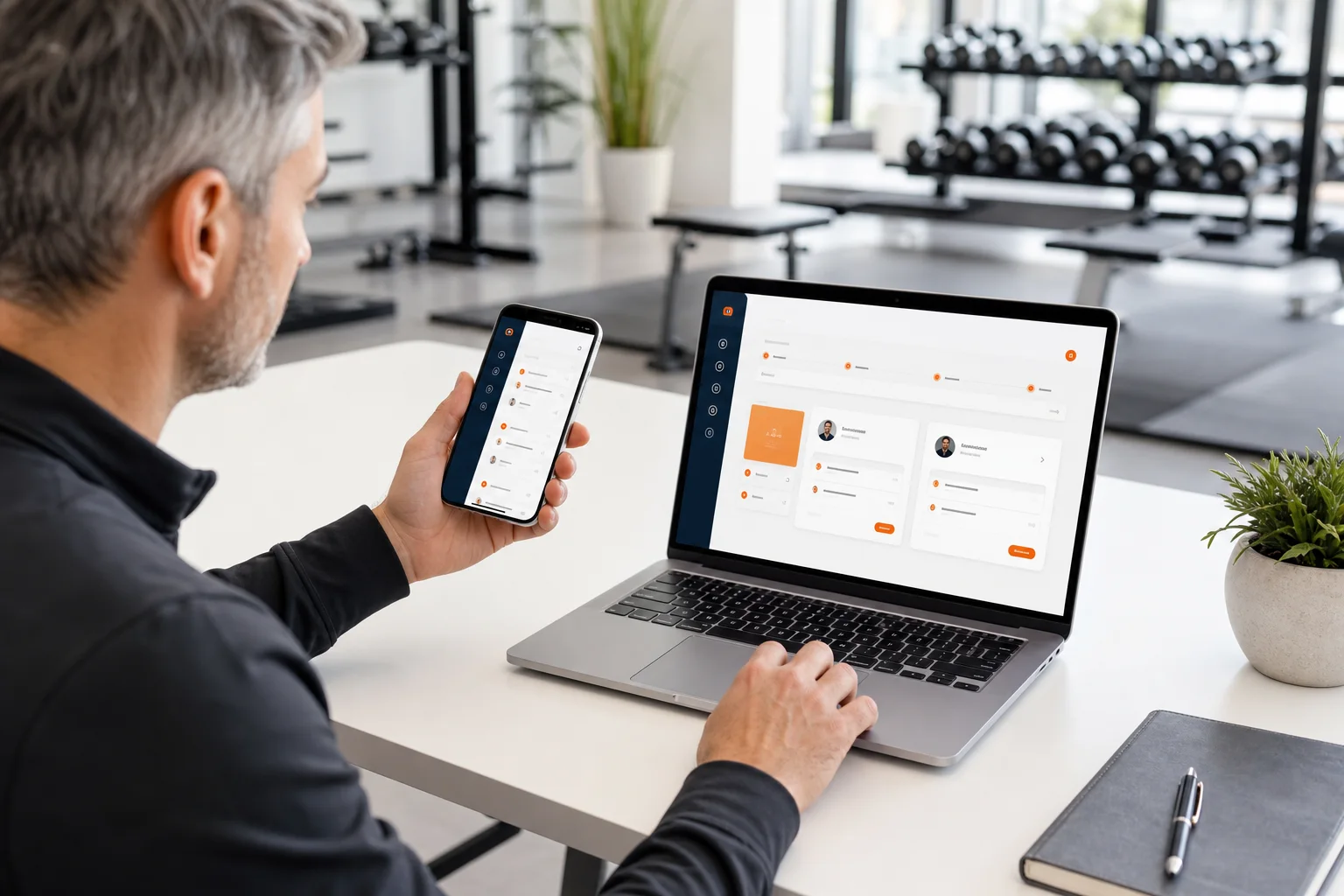
A gym digital member connection workflow should make it easy for members, personal trainers and gym staff to work together without making private training information visible by default. The best workflow is not simply a directory of members and staff. It is a controlled process for inviting, approving, sharing, reviewing and changing access.
For gym owners and managers, this distinction matters. A member may want help from a personal trainer, but that does not mean every staff member should automatically see the member’s workout records, notes or programs. A digital workflow should support useful collaboration while preserving member choice at every step.
What a gym digital member connection workflow should accomplish
A practical workflow connects the right people for a defined purpose. For example, a member may connect with a personal trainer to receive coaching, share selected workout records or review a proposed training program. A gym may also need to manage which branches, roles and approved connections are available to its staff.
The workflow should answer five basic questions:
- Who is inviting whom? A member, trainer or authorized gym staff member should be identifiable.
- What is the purpose of the connection? The reason should be understandable before approval.
- Has the member approved the connection? An invitation should not equal access.
- What information can the trainer view? Visibility should depend on the member’s specific permissions.
- Which staff and branches can manage the relationship? Access should follow assigned roles and approved gym connections.
This structure is consistent with a broader principle for fitness platforms: collect and share only what is needed for the intended service, explain the data flow clearly and avoid treating sensitive information as automatically available to an organization.
Step 1: Define the connection types before sending invitations
Many gym workflows become confusing because every relationship is treated the same way. Start by defining the common connection types your gym expects to support.
Member-to-trainer connection
This is usually the most important relationship. A member may choose a trainer, accept a trainer’s invitation or approve a connection suggested by the gym. The purpose may include coaching, program review, progress conversations or ongoing support.
The member should be able to understand that accepting the connection does not necessarily share every record. Programs, workout records and notes should remain visible only when the member permits them to be shared.
Member-to-gym connection
A member may also approve a connection with a gym or a particular branch. This can help the gym manage approved relationships and route the member to the appropriate staff without creating unrestricted access to private training data.
Trainer-to-gym connection
Trainers may work with one or more gym branches. Gym administrators should be able to manage which branch or organization a trainer can access and what responsibilities are associated with the trainer’s role.
Defining these relationship types first helps prevent a common mistake: assuming that one approval automatically grants organization-wide visibility.
Step 2: Use invitation and member approval as separate stages
A reliable gym digital member connection workflow separates the invitation from the approval. This gives the member a clear decision point and creates a more accurate record of consent.
- Create the invitation. Identify the sender, recipient, gym or branch and intended purpose.
- Explain the expected visibility. Tell the member what the trainer or gym may be able to review after approval.
- Let the member accept or decline. Do not treat a message, search result or staff assignment as approval.
- Request any additional sharing permissions. A member may approve the connection but choose not to share particular programs, records or notes.
- Confirm the active relationship. Both sides should be able to see that the connection is approved and understand its current scope.
This approach also makes follow-up easier. If a member has not approved an invitation, staff can send a reminder without assuming that the member has already granted access.
A simple invitation message
A useful invitation should be specific rather than promotional. For example:
“Your trainer is requesting a GymPT connection so they can review the training information you choose to share, discuss your routine and prepare a program proposal for your review. You decide whether to approve the connection and which permitted information is available.”
Clear wording reduces uncertainty and helps members make an informed decision.
Step 3: Make staff visibility role-based and branch-aware
Gym owners often manage multiple branches, trainers and administrative roles. A digital connection workflow should reflect that structure instead of giving every staff member the same visibility.
Begin with a role map. For each role, document:
- Which branches the person can access
- Which member connections they can manage
- Whether they can invite members or trainers
- Whether they can review member-permitted training information
- Whether they can prepare or review program proposals
- Which actions require an explicit member grant
For example, a branch manager may manage approved gym connections for one location, while a personal trainer may review only the permitted information of their connected clients. A staff administrator may manage roles and branch access without viewing individual workout records.
Keeping these responsibilities separate supports accountability. It also reduces the chance that a temporary assignment, branch transfer or broad staff permission will expose information that the member never intended to share.
For a deeper explanation of this structure, see Gym Staff Roles and Member Permissions: A Practical Access Guide.
Step 4: Turn approved connections into a useful coaching workflow
Approval is only the beginning. The connection becomes valuable when the gym and trainer use it to support a repeatable coaching process.
1. Review what the member has permitted
The trainer should first confirm which programs, workout records and notes are available. Avoid filling gaps with assumptions. If the trainer needs more context, ask the member to share it or discuss it directly.
2. Review training consistency and practical constraints
Training records can help a trainer understand what the member has been doing, but records should be interpreted in context. Look for schedule constraints, equipment preferences, missed sessions, exercise substitutions and notes about how the routine felt.
For general resistance training, consistency and a plan that fits the member’s schedule are more useful starting points than unnecessary complexity. Current exercise guidance also emphasizes regular activity, gradual progression and training all major muscle groups rather than relying on a single “perfect” routine.
3. Draft a program proposal
The trainer can prepare a proposal manually or use optional AI assistance where available. AI can help organize exercise selections, structure a weekly schedule or identify questions for review, but professional judgment remains essential.
The proposal should explain the intended weekly structure, exercise choices, sets or time targets, progression approach and reasonable alternatives. It should also acknowledge the information available to the trainer instead of implying that the trainer has a complete medical or lifestyle profile.
GymPT supports this kind of workflow by allowing trainers to prepare program proposals in the web workspace. The member then reviews the proposal and decides whether to save and use it.
See Personal Trainer Workout Program Proposals: A Better Client Review Workflow for a closer look at the review stage.
4. Ask the member to review the proposal
A proposal should be treated as a conversation, not a final command. The member may accept it, request changes, save it for use or decide not to use it. This review step creates space to discuss availability, exercise preferences, confidence with technique and realistic training frequency.
5. Continue with permission-based follow-up
After the member begins using a plan, the trainer can review the records the member has permitted and use notes to guide the next conversation. If weekly AI summaries are available, they should only be used when the required grants are in place. A summary can support preparation, but it should not replace the trainer’s review of the underlying information or the member’s own feedback.
For practical follow-up ideas, read Personal Trainer Client Progress Tracking: A Weekly Review Workflow.
Step 5: Give members control over changes and disconnections
Permission is not a one-time event. Members should be able to understand and manage their active connections over time.
Build a simple process for:
- Reviewing which trainers or gyms are connected
- Checking which types of information have been permitted
- Changing sharing permissions when circumstances change
- Ending a trainer or branch connection
- Moving a relationship from one branch or trainer to another
- Explaining what happens to future visibility after a connection ends
This is especially important when a trainer leaves a gym, a member changes branches or a coaching relationship ends. The operational record should reflect the current relationship rather than relying on informal messages or outdated staff lists.
Common workflow mistakes gyms should avoid
Assuming gym membership equals data access
A person joining a gym does not mean every staff member should see their training records or notes. Keep membership, connection and data-sharing permissions distinct.
Making invitations vague
“Connect with your gym” does not tell a member who will see what. Include the sender, intended purpose, branch and expected visibility in plain language.
Giving branch managers more access than they need
Operational responsibility does not automatically require access to individual training information. Assign permissions according to the job rather than convenience.
Letting AI replace review
AI support can help a trainer organize information or prepare a draft. It should not diagnose conditions, make unsupported claims or bypass member approval. The trainer should review the relevant records and the member should decide whether to use a proposed plan.
Building a workflow around unsupported features
A focused connection workflow is often more valuable than a system that claims to handle every gym operation. Keep the process centered on approved connections, staff roles, training records, notes and program review rather than promising automatic billing, attendance, payroll or CRM capabilities.
A practical GymPT workflow for owners and staff
GymPT can support a permission-based connection process for gyms, members and real personal trainers:
- The gym or trainer creates an invitation for a specific member and purpose.
- The member reviews the request and decides whether to approve it.
- The member controls which programs, workout records and notes can be shared.
- The gym manages approved connections, accessible branches and staff roles.
- The trainer reviews permitted information and prepares a manual or AI-assisted proposal in the web workspace.
- The member reviews the proposal and decides whether to save and use it.
- Future follow-up uses only the permissions and records that remain active.
Members can build a manual program without AI credits, request optional AI support or review a trainer’s proposal. Core training and record-keeping do not require a paid subscription, while optional AI actions and eligible Premium features may have separate requirements shown before use.
Final checklist for gym owners
- Define each connection type your gym supports.
- Separate invitations from member approval.
- Explain visibility before a member accepts.
- Use role-based and branch-aware staff access.
- Require explicit permission for shared programs, records and notes.
- Keep trainer proposals subject to member review.
- Use AI as support for professional judgment, not as a replacement for a trainer.
- Provide a clear way to change permissions or end connections.
- Audit access when staff, branches or coaching relationships change.
A strong gym digital member connection workflow is clear, limited and easy to review. When invitations, approvals, staff roles and data permissions are designed as separate steps, gyms can offer more coordinated support without turning member information into unrestricted organizational access.