personal trainer client progress tracking
Personal Trainer Client Progress Tracking: A Weekly Review Workflow
Effective progress tracking is more than counting completed workouts. This practical weekly workflow helps personal trainers compare plans with records, understand client feedback and agree on the next coaching step.
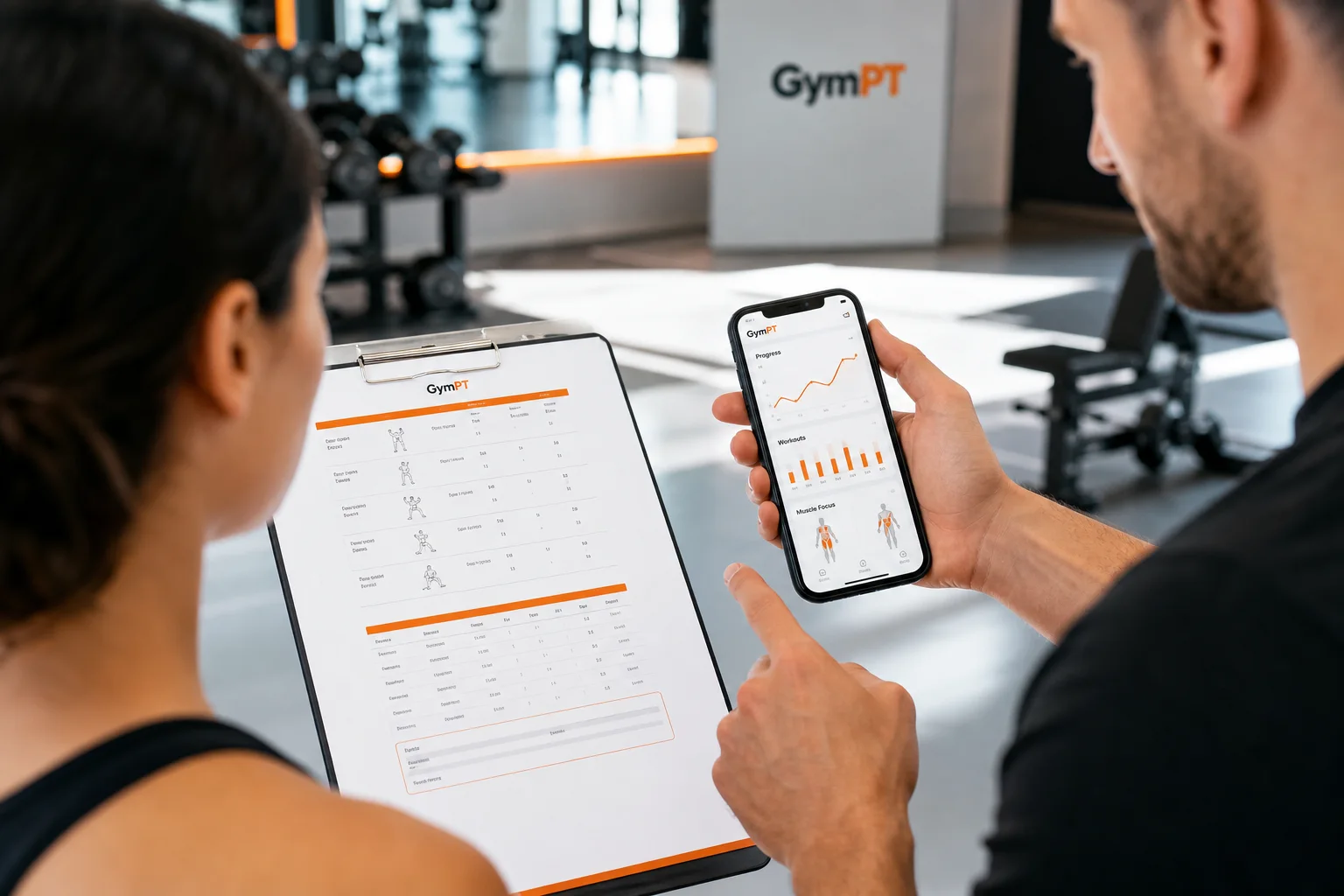
Effective personal trainer client progress tracking is not about collecting the largest possible amount of data. It is about reviewing the right information consistently, understanding what happened during the week and making a clear next decision with the client.
A useful review connects four elements: what was planned, what was completed, what the client reported and what should happen next. This approach gives trainers a practical picture of training consistency without turning coaching into a spreadsheet exercise.
For trainers using GymPT, the workflow can include client-permitted programs, workout records and notes. The client remains in control of what is shared, while the trainer uses the available information to prepare a more relevant follow-up or program proposal.
Why personal trainer client progress tracking should focus on decisions
Progress tracking has value only when it improves a coaching decision. A record of completed sets may tell you what happened, but it does not automatically explain why a session was missed, why performance changed or whether the current plan still fits the client’s schedule.
Research on resistance-training monitoring emphasizes the value of combining objective training information with perceived effort and broader context. In practice, that means looking at more than load or repetitions. Session completion, exercise changes, effort, recovery comments and the client’s own feedback can all help you interpret the training record.
A weekly review should therefore answer a short list of questions:
- Which sessions or planned elements were completed?
- Where did the completed training differ from the plan?
- Are missing records making the picture incomplete?
- What did the client say about effort, confidence, schedule or enjoyment?
- What is the smallest useful adjustment for the next week?
This keeps the process focused on coaching rather than surveillance. The goal is not to judge a client for an imperfect week. The goal is to make the next week more realistic and useful.
A five-step personal trainer client progress tracking workflow
1. Start with the planned program
Begin each review with the plan the client agreed to follow. This creates a consistent reference point and prevents the conversation from becoming a vague discussion about whether the client is “doing well.”
Review the intended training frequency, session structure, main exercises and any simple progression target. Depending on the client, the target might be completing a certain number of sessions, practicing a movement pattern, adding a repetition within a range or maintaining a manageable effort level.
Keep the planned program specific enough to review, but flexible enough to adapt. A plan that cannot accommodate travel, changing work hours or equipment limitations will create misleading tracking data. The most useful plan is one that reflects the client’s actual circumstances.
2. Compare planned sessions with completed records
Next, compare the plan with the workout records the client has permitted you to review. Look for patterns rather than isolated imperfections.
- Completed as planned: The session structure and main exercises were followed.
- Completed with changes: Exercises, loads, repetitions, rest periods or order were modified.
- Partially completed: The client started the session but stopped early or skipped important sections.
- Not recorded: There is no available record, so you should not assume the session was missed.
The distinction between “not completed” and “not recorded” matters. Missing information is a tracking problem, not proof of non-adherence. Ask a simple follow-up question before drawing a conclusion.
Workout records also help you identify whether the program is being followed in the way you intended. For example, repeated substitutions may indicate that an exercise is uncomfortable, unavailable or poorly matched to the client’s environment. That is useful program feedback, not a reason to criticize the client.
3. Review quality, effort and context
Completion alone does not show whether the training dose was appropriate. A client may complete every session while using an effort level that is too low, or may struggle through a plan that is too demanding for the current week.
Review the context available in the records and notes, such as:
- Reported effort or difficulty
- Changes in exercise selection or technique focus
- Unusual fatigue or low motivation
- Time limitations or equipment constraints
- Comments about confidence, enjoyment or session flow
Be careful not to overinterpret a single difficult session. Progress is rarely perfectly linear, and one unusual record may reflect a temporary scheduling or recovery issue. Look for repeated patterns across several reviews before making a major change.
For strength-focused programs, tracking load, repetitions and sets can be useful, but those numbers should remain connected to the client’s goal and experience. A small increase is not automatically progress if technique quality or consistency deteriorates. Likewise, maintaining the same load can be a positive outcome when the client is building confidence or returning to regular training.
4. Ask for client feedback before changing the plan
Records show behavior, but the client can explain the experience behind it. Include a short feedback prompt in the weekly review rather than waiting for a problem to become obvious.
Useful questions include:
- Which session felt most manageable this week?
- Which exercise or part of the plan created the most friction?
- Did the planned schedule fit your actual week?
- What would make the next week easier to complete?
- Is there anything you want more or less of in the next program?
These questions help uncover barriers that a workout record cannot show. They can also improve the quality of the coaching relationship by giving the client a clear role in the review process.
Feedback does not mean the client dictates every programming decision. It means the trainer combines professional judgment with the client’s experience. If a proposed change affects exercise selection, volume or weekly structure, explain the reason in plain language and invite the client to respond.
5. Agree on one clear next step
End the review with an agreed action. Avoid changing several variables at once unless there is a clear reason to do so. Too many changes make it difficult to understand what helped.
Possible next steps include:
- Repeat the current plan for another week with a clearer recording prompt.
- Adjust the schedule so the sessions fit the client’s available days.
- Replace an exercise that repeatedly creates equipment or comfort barriers.
- Reduce or redistribute training volume when completion quality is declining.
- Progress a movement by adding a repetition, load or set within the agreed approach.
- Prepare a revised program proposal for the client to review.
Write the decision in a way that both trainer and client can understand. “Try harder next week” is difficult to track. “Complete two full-body sessions on Tuesday and Saturday, recording the final set effort for the main lifts” is specific enough to review.
How to use GymPT for permission-based progress tracking
GymPT supports a trainer workflow built around client choice. A trainer should review only the programs, workout records and notes that the client has permitted them to share. This keeps progress tracking relevant without implying unrestricted access to a client’s broader health information.
A practical GymPT workflow can look like this:
- The trainer and client establish or review the current program.
- The client records completed workouts and adds notes that are useful for coaching.
- The client grants access to the specific training information the trainer needs to review.
- The trainer compares the planned program with the permitted records and discusses the client’s feedback.
- The trainer prepares the next step, which may be a small adjustment or a new program proposal.
- The client reviews the proposal and decides whether to save and use it.
When enabled by the appropriate permissions, a weekly AI summary may help organize permitted training information for review. It should be treated as a preparation aid, not as an automatic coaching decision. The trainer still needs to check the underlying records, consider the client’s feedback and use professional judgment.
Trainers can prepare program proposals manually or with optional AI support in the web workspace. Manual program building does not require AI credits. Some optional AI actions may require credits, and eligible Premium features have their own requirements shown before use. This makes it possible to use the workflow without assuming that every coaching task needs AI.
For a broader view of where technology fits, see Virtual Personal Trainer: How AI Coaching Fits Into a Real Training Routine and AI Personal Trainer: What It Can Do, What It Cannot, and How to Use One Well.
A weekly review template trainers can reuse
Consistency matters more than complexity. Use the following structure for a short weekly client review:
- Plan: What was the client supposed to complete?
- Records: What was completed, changed, partially completed or not recorded?
- Context: What do effort, notes and scheduling comments add to the picture?
- Feedback: What did the client find useful, difficult or unrealistic?
- Decision: What one change or continuation will guide the next week?
You can also use a simple coaching note:
- Keep: One part of the current plan that is working.
- Change: One barrier or training variable that needs attention.
- Ask: One question that gives the client a voice in the next step.
- Confirm: The next action and when it will be reviewed.
This structure is short enough to use with multiple clients while still creating a meaningful record of the coaching decision.
Common mistakes in client progress tracking
Tracking too many numbers
More data does not automatically create better coaching. Track information that relates to the client’s goal and that you can review consistently. A small set of reliable records is usually more useful than a large set of incomplete measurements.
Using completion as the only definition of progress
Completing sessions is important, but so are appropriate effort, better exercise confidence, improved consistency and a plan that fits the client’s life. Use completion as one signal within a broader review.
Assuming missing data means a missed session
Ask before interpreting. A client may have trained without recording, lost access to the app temporarily or simply forgotten to finish the entry.
Changing the program before asking why
If the client repeatedly skips one movement, ask about the barrier first. The best solution may be a substitution, clearer instruction, different scheduling or a conversation about expectations.
Letting AI replace review
AI can help organize information or draft a proposal, but it cannot replace the trainer-client conversation. The trainer remains responsible for checking whether the suggestion fits the client’s goal, experience and available information.
Build a progress-tracking habit that supports better coaching
The most effective personal trainer client progress tracking system is usually the one that a trainer and client can repeat every week. Compare the plan with the available records, distinguish missing information from missed work, invite client feedback and agree on one practical next step.
GymPT can support this process by connecting members and real personal trainers through permission-based sharing. Clients can build a manual program, request optional AI assistance or review and save a trainer’s proposal. Trainers can use the information clients choose to share, while keeping professional judgment at the center of the process.
For additional planning ideas, explore Fitness Program Builder App: 9 Features That Make a Plan Usable or AI Gym Coach: How to Use AI for Smarter, More Consistent Training.