mobile personal trainer app
How to Choose the Best Mobile Personal Trainer App for Your Goals
A mobile personal trainer app can do more than display exercises. Learn which planning, coaching, tracking, and personalization features make an app genuinely useful.
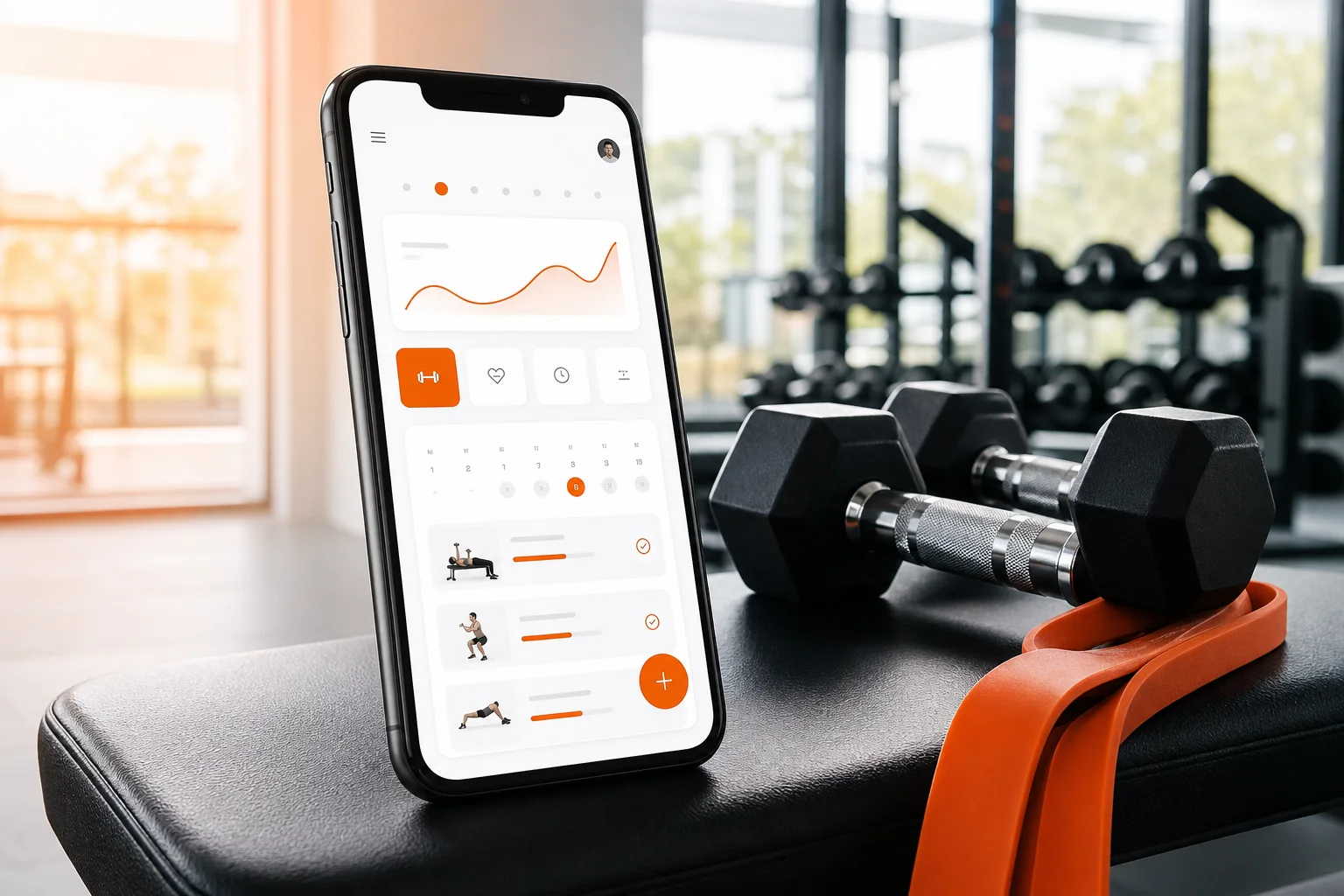
Choosing a mobile personal trainer app is not just about finding the app with the largest exercise library. The better question is whether the app can help you make sensible training decisions, complete workouts consistently, and understand what to do next.
A useful app should connect your goal, schedule, experience level, available equipment, and recent performance. It should also make training easier to follow when your week changes. GymPT is one practical example: it combines personalized workout planning, AI coach chat, body analysis, equipment-based training, workout tracking, and progress insights in one mobile experience.
Research on mobile fitness interventions suggests that feedback, goal setting, and self-monitoring can support physical activity habits. However, an app is only helpful when its features translate into workouts you can realistically perform and repeat. Use the guide below to compare your options.
What should a mobile personal trainer app actually do?
The core job of a digital trainer is to reduce the gap between intention and action. You may know that you want to build strength, gain muscle, improve fitness, or train more consistently. The app should turn that broad goal into a clear session for today and a sensible path for the coming weeks.
Look for an app that can answer five practical questions:
- What am I training for? The app should account for your main objective rather than treating every user the same.
- What can I do today? A good plan reflects your available time, energy, training frequency, and equipment.
- How do I perform each exercise? Clear demonstrations, instructions, and useful coaching cues matter.
- How do I know if I am improving? The app should make completed work and trends easy to review.
- What should change next? Your plan should adapt as your consistency, strength, or circumstances change.
If an app only provides random workouts or a long list of videos, it may be a workout content library rather than a personal trainer.
1. Start with genuine personalization
The word “personalized” can mean different things. In some apps, it simply means selecting a preferred goal. In a stronger personalized workout app, the plan also considers your training experience, available days, session length, movement preferences, and equipment.
Personalization should be visible in the workout itself. For example, a beginner may need a simpler exercise selection and more instruction, while an experienced lifter may want a more structured progression. Someone training at home should not receive a plan built around equipment they do not own.
GymPT is designed around this practical approach. You can use your training context and equipment availability to create a more relevant starting point, then use the app’s coaching and tracking features to refine the plan over time.
When comparing apps, ask whether you can update your profile after starting. Your goals, schedule, equipment, and confidence may change. A plan that cannot be adjusted quickly will become less useful.
2. Check whether the app supports your equipment
Equipment compatibility is one of the most overlooked features in fitness apps. A plan may look excellent on paper but fail in practice if it repeatedly includes exercises you cannot perform.
At minimum, the app should let you identify whether you train with:
- Bodyweight only
- Dumbbells or kettlebells
- Barbells and racks
- Cables and selectorized machines
- Resistance bands
- A mixed home or commercial gym setup
Some apps go further by helping you identify available gym equipment. That can be particularly useful when you are unfamiliar with a gym or want to build a routine around what is actually free and accessible. For a deeper look at this feature, read Workout App With Equipment Scan: Build a Smarter Gym Routine.
The important distinction is not whether an app lists hundreds of exercises. It is whether the app can select realistic alternatives when equipment is unavailable. A good substitution should target a similar movement or muscle emphasis without making the session confusing.
3. Look for an AI coach that helps you make decisions
An AI coach can be useful when it behaves like a training assistant rather than a generic chatbot. The most helpful questions are usually specific:
- “What can I substitute for this exercise?”
- “How can I fit this workout into 30 minutes?”
- “Should I reduce the load if my form breaks down?”
- “How can I organize three training days this week?”
- “Why is this exercise included in my plan?”
Useful coaching should explain the reasoning in clear language and stay within appropriate boundaries. A fitness app can offer general exercise guidance, but it should not present itself as a medical diagnostic tool or replace qualified professional care for injuries, symptoms, or complex health conditions.
GymPT’s AI coach chat is intended to make everyday training decisions easier. That can help when your schedule changes, you need an alternative exercise, or you want a clearer explanation of your program.
4. Prioritize progression over novelty
New workouts can be motivating, but constant novelty is not the same as progress. A useful training app should help you repeat key movements, record performance, and gradually increase the challenge when appropriate.
For many healthy adults, the most important factor is consistency. Current resistance-training guidance emphasizes choosing a routine you can follow regularly rather than relying on complicated techniques. The exact structure will depend on your goal, but a plan should generally give you a clear way to build from your current ability.
Look for progression features such as:
- Recording sets, repetitions, load, and completed sessions
- Suggestions for increasing or maintaining difficulty
- Adjustments when a workout is missed
- Planned recovery or easier sessions when appropriate
- A clear distinction between completing more work and simply doing more exercises
If you want to understand how progression fits into a structured routine, see Strength Training Program: How to Progress Safely and Track Real Strength Gains.
5. Make sure workout tracking is fast enough to use
Tracking is valuable only when it does not interrupt your session. If logging one exercise takes several screens and repeated typing, you may stop using the feature after a few workouts.
A strong workout tracking app should make it easy to:
- Mark an exercise as complete
- Record repetitions, weight, or time
- Review your previous performance
- See what remains in the current workout
- Return to a saved routine without rebuilding it
Tracking also creates useful accountability. Instead of relying on memory, you can see whether you trained twice this week, completed the planned sessions, or maintained a movement consistently. This information is more actionable than a motivational quote with no connection to your behavior.
6. Choose progress insights you can understand
Progress dashboards should help you make decisions, not overwhelm you with numbers. The best insights are connected to the behaviors your plan is asking you to repeat.
Useful progress information may include:
- Workout frequency and consistency
- Completed sets and repetitions
- Changes in recorded loads or exercise performance
- Body measurements or other user-entered data, when relevant
- Patterns in missed sessions or changing availability
Be cautious with apps that promise dramatic transformations or treat a single metric as a complete measure of fitness. Progress is usually better understood through several signals, including consistency, performance, recovery, and how well the plan fits your life.
For more ideas on interpreting training data, read Fitness Progress App: How to Track Workouts, Trends, and Consistency.
7. Match the app to your weekly schedule
The perfect plan is not useful if it does not fit your calendar. Before choosing an app, decide how many sessions you can realistically complete during an average week. Two reliable sessions are often a better starting point than an ambitious six-day plan that quickly becomes impossible to maintain.
Check whether the app supports:
- Different session lengths
- Two-, three-, four-, or five-day schedules
- Flexible workout days
- Home and gym sessions
- Shorter alternatives when time is limited
If muscle gain is your priority, the app should also help distribute training across the week instead of placing excessive volume into one session. This practical guide to a weekly gym schedule for muscle gain can help you think through training frequency and recovery.
8. Use a simple comparison checklist
When comparing a mobile personal trainer app, score each option against the features that will affect your real behavior. A simple checklist can prevent you from choosing based only on attractive screenshots.
- Goal fit: Can the app build around your primary objective?
- Schedule fit: Can you select realistic training days and session lengths?
- Equipment fit: Does it use what you have and offer sensible substitutions?
- Instruction quality: Are exercise demonstrations and cues clear?
- Coaching: Can you ask useful questions and receive practical answers?
- Progression: Does the plan help you increase difficulty gradually?
- Tracking: Is logging quick enough to use every workout?
- Insights: Can you understand your trends without excessive complexity?
- Flexibility: Can you update the plan when your circumstances change?
Is GymPT the right mobile personal trainer app for you?
GymPT may be a good fit if you want more than a static list of exercises. It brings together personalized workout planning, AI coach chat, body analysis, equipment-based training, workout tracking, and progress insights so the planning and follow-through happen in one place.
That combination is especially useful if you are changing gyms, working with limited equipment, returning to a consistent routine, or unsure how to organize your training week. You can start with your goals and circumstances, complete the recommended sessions, and use your recorded activity to make future decisions more informed.
No app can remove the need for consistency. The best choice is the one that gives you a clear plan, makes the next workout easy to start, and helps you learn from the work you have already completed.
Final takeaway
When choosing a mobile personal trainer app, look beyond exercise count and visual design. Prioritize personalization, equipment awareness, actionable coaching, gradual progression, easy tracking, and understandable progress insights.
Those features turn an app from a workout catalogue into a practical training system. Start with a schedule you can maintain, record what you do, review your trends, and adjust the plan as your needs change.