
AI Home Workout Coach: Build a Plan You Can Actually Follow
An AI home workout coach can help organize ideas around your space, equipment and schedule—but a useful plan still needs your judgment. Learn how to build, review and adjust a practical home routine.
In this article
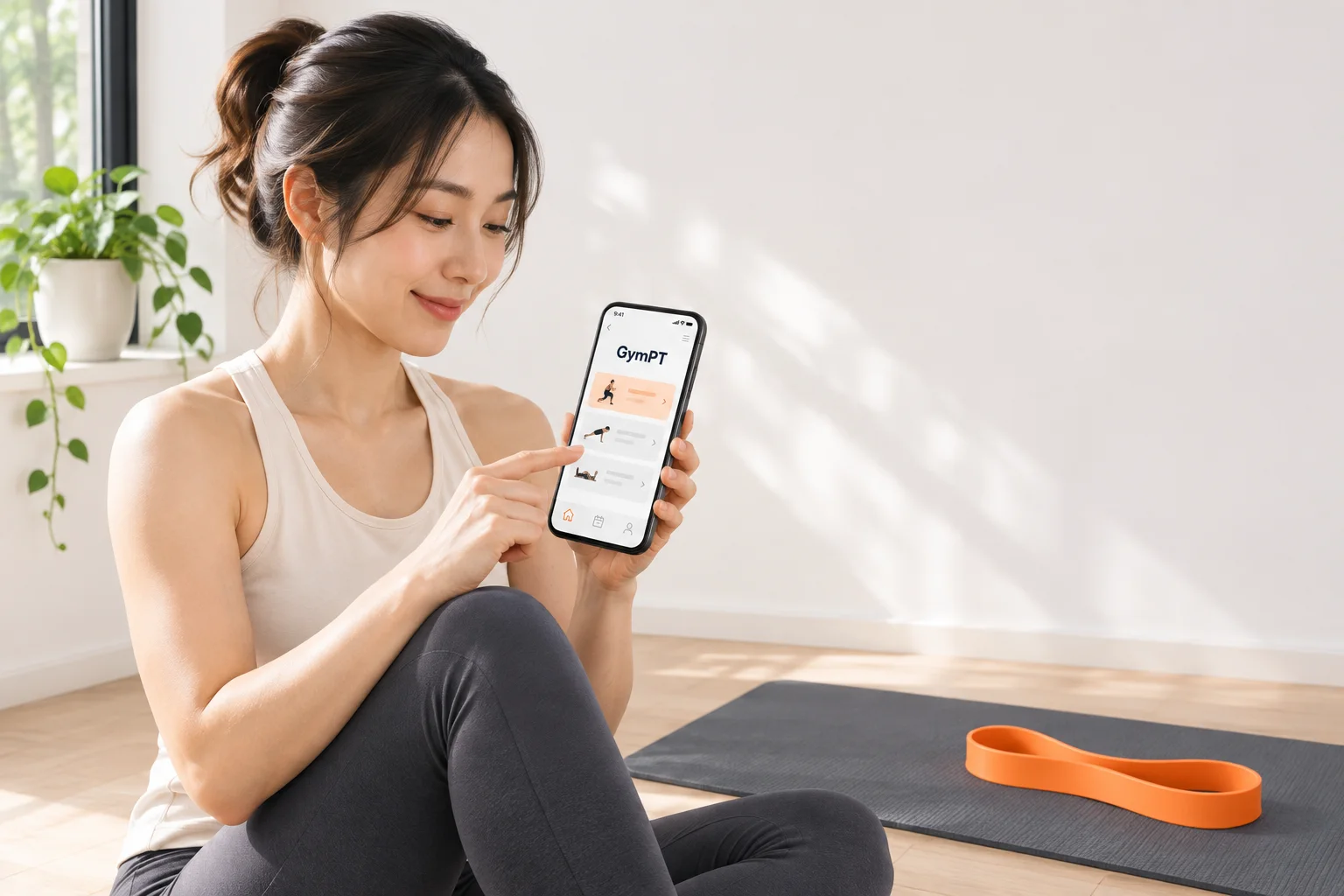
An AI home workout coach can help turn a loose goal—like getting stronger with limited equipment—into a routine you can review and try. But a polished plan is not automatically a suitable one. It still needs to fit your experience, available space, schedule and comfort with each movement.
The most useful approach is to treat AI as a planning assistant, not an authority on your body or a replacement for a real trainer. Give it clear constraints, check the plan before training, then use your workout notes to decide what to keep or change. Here’s a practical way to do that at home.
What an AI home workout coach can—and cannot—do
An AI tool can help organize exercise ideas, suggest a weekly structure and offer alternatives when you have limited equipment. It can also help you turn a broad request into a more specific draft, such as two full-body sessions using bodyweight and a resistance band.
It cannot reliably see your room, assess your movement in person or know how an exercise feels unless you provide relevant information. A suggestion that looks reasonable on a screen may still be too difficult, too easy or uncomfortable for you. Treat the output as a draft to evaluate—not a prescription or medical assessment.
For many adults, a sensible starting point is to include muscle-strengthening activity on at least two days each week and work across the major muscle groups. You do not need a complicated routine to begin. Choose a manageable schedule and build consistency before adding unnecessary complexity.
Give the AI useful information before asking for a plan
Vague prompts tend to produce generic routines. Before asking for an AI home workout plan, write down the details that affect what you can actually do. You do not need to share sensitive personal information to make a workout request clearer.
- Your goal: for example, practice basic strength training or make your current routine easier to follow.
- Your experience: new to training, returning after a break, or familiar with the movements you want to use.
- Your schedule: how many sessions you can realistically fit into a typical week and roughly how much time you have.
- Your setup: the equipment you have, the space available and any practical limits, such as needing quiet, low-impact movements.
- Your preferences: exercises you like, want to avoid or would like an easier variation for.
If an exercise causes pain or you have a health concern that affects exercise, do not rely on an AI chat to diagnose the issue or decide what is safe. Pause that movement and seek appropriate professional guidance.
How to review an AI-generated home routine
Before you start, check whether the plan is understandable, balanced and realistic. The goal is not to find a perfect formula. It is to catch obvious mismatches before you build a week around them.
- Check the weekly workload. Does the number of sessions fit your actual calendar? If you are inactive or restarting, begin with an amount you can manage and build gradually rather than trying to make up for missed time with a demanding first week.
- Look for a reasonable mix of movements. A general full-body routine might include a squat or sit-to-stand pattern, a hip hinge, a push, a pull if you have a suitable band or equipment, and a simple trunk exercise. Your options will depend on your equipment and experience.
- Check sets, repetitions and rest. Do the instructions tell you what to do and when to stop? Choose a level that lets you maintain control. You do not need to turn every set into an all-out effort to make training worthwhile.
- Confirm that substitutions make sense. If you cannot do a suggested exercise, ask for a simpler variation that uses the equipment you have. Check that you understand how to set up and perform it before trying it.
- Make room for recovery. A plan should not assume that you can train hard every day. Spread sessions across the week in a way that feels manageable, and adjust if you are not recovering well.
For a practical example of how to organize recurring sessions, see this three-day full-body workout plan. If you already have a draft from an AI tool, this guide to building an AI fitness plan you can trust can help you evaluate it.
A simple two-session template to adapt at home
Use the outline below as a starting point for a general routine—not as a personalized prescription. Pick comfortable variations you can perform with control, and adjust the session to your experience and equipment. If a movement is unfamiliar, learn it from a qualified source or ask a trainer to review it before adding it.
Session A
- Squat variation, such as a sit-to-stand from a stable chair
- Push variation, such as a wall push-up
- Hip-hinge practice with no load, if you know how to perform it comfortably
- Band row, only if you have a suitable, securely set-up resistance band
- Optional easy walk or mobility practice
Session B
- Split-stance or supported leg exercise, using a comfortable range of motion
- Push variation, adjusted to a difficulty you can control
- Glute bridge or another comfortable hip-focused movement
- Band pull or another appropriate pulling movement if your setup allows it
- Simple trunk exercise you already know how to perform
Begin with a modest number of sets and repetitions that you can complete with good control. If you are unsure, start easier rather than trying to match an arbitrary target. The U.S. activity guidelines describe muscle-strengthening activity as work for the major muscle groups and recommend including it at least twice weekly for adults; your individual starting point may be lower as you build up.
Keep the template flexible. If you have no suitable pulling equipment, do not improvise an unsafe anchor with a household object. Ask for a safer option or leave that movement out until you have an appropriate setup.
Use workout records to make sensible changes
After each session, record what you actually did—not only what the plan said. Note the exercise variation, sets and repetitions, how manageable it felt, and any change you would make next time. Those simple details give you a more useful basis for adjusting a routine than memory alone.
Change one thing at a time when possible. For example, repeat the same session until it feels familiar before adding repetitions or choosing a harder variation. If a workout repeatedly runs long, reduce the number of exercises rather than rushing every movement.
GymPT supports this kind of member-led workflow: you can build a manual program without AI credits, request AI support for optional actions, or review a program proposal from a personal trainer and decide whether to save and use it. Optional AI actions may require credits, and eligible Premium features have their own requirements shown before use.
When you connect with a trainer in GymPT, they review only the programs, workout records and notes you permit them to share. If you want a professional perspective, you can share the relevant details and ask a trainer to review a draft or prepare a program proposal. The proposal is yours to consider; you decide whether to save and follow it.
For guidance on adjusting your routine over time, read about an adaptive workout plan or learn how to track progression without guesswork. If you’re choosing a tool for planning and logging, compare your needs with this overview of an AI workout plan app.
When to get a real trainer involved
Ask a qualified trainer for help if you are unsure how to perform an exercise, want a plan tailored to your goals and constraints, or need a second opinion on a program that feels difficult to manage. A real coach can ask follow-up questions, explain the reasoning behind a choice and help you adapt it through conversation.
Stop an exercise if it causes pain, feels unstable or does not seem appropriate for you. AI can help you organize questions, but it cannot diagnose symptoms or replace individualized professional judgment.
Make the plan useful, not complicated
A good AI home workout coach workflow is simple: describe your real setup, ask for a modest draft, check every movement and record what happens when you try it. Keep what is understandable and manageable; revise or set aside what is not. With GymPT, you can do that with a manual plan, optional AI assistance or a trainer’s proposal—while keeping the choice of what to save and follow in your hands.