
AI Gym Workout Generator: Check the Plan Before You Train
An AI gym workout generator can draft a routine quickly, but a useful plan needs more than a list of exercises. Use this practical checklist to review its assumptions, weekly structure and progression before training.
In this article
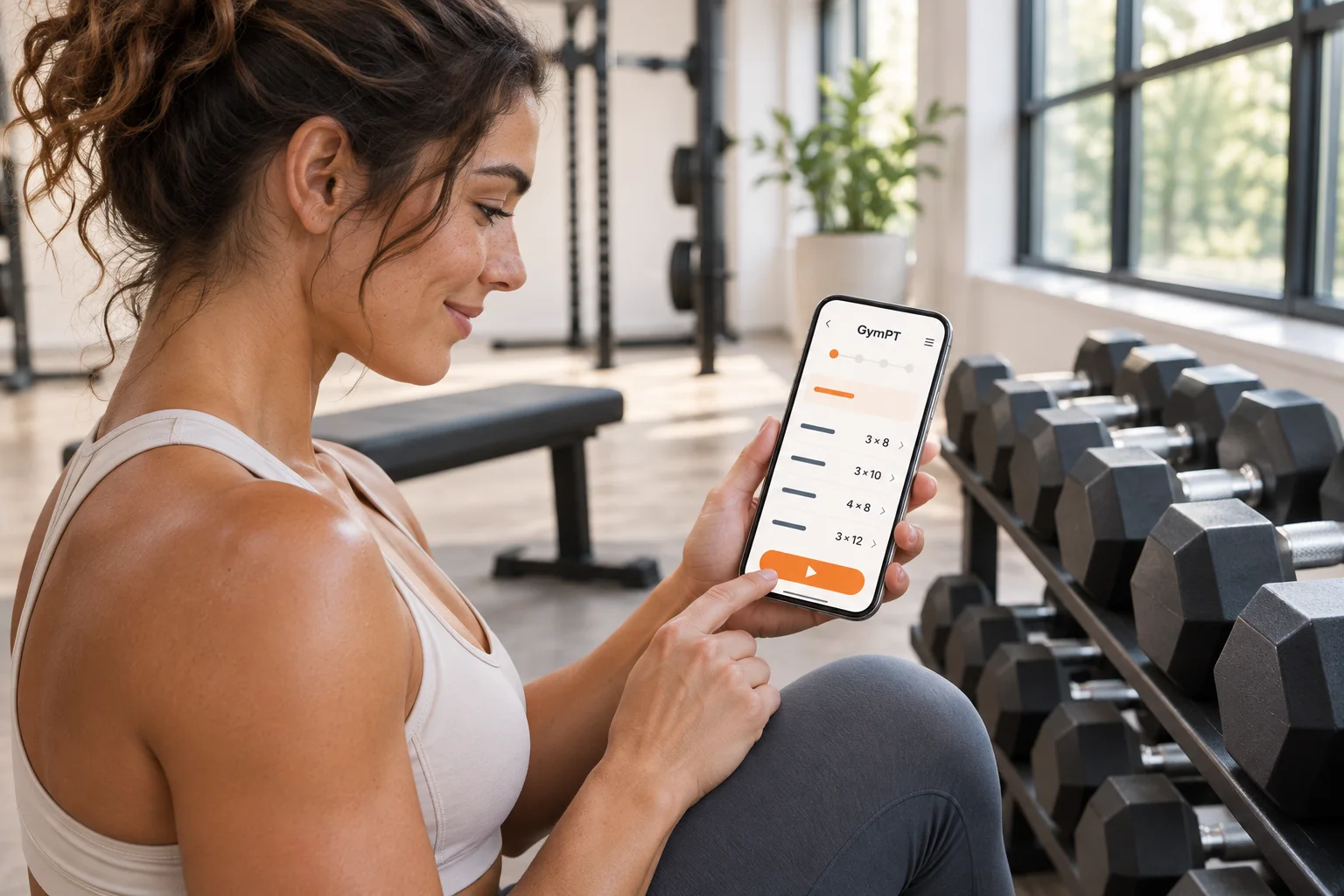
An AI gym workout generator can turn a goal and a few details into a polished-looking routine in seconds. The useful question is not whether the plan sounds confident. It is whether its assumptions match your actual training experience, equipment, schedule and ability to recover.
Think of a generated workout as a draft to review—not an automatic instruction to follow. Research evaluating AI exercise recommendations has found gaps in completeness and accuracy, so it is sensible to check the details rather than treating fluent output as expert judgment. This guide gives you a practical review process, a prompt framework and a way to track whether a plan works in real life.
If you want a broader introduction to how AI plans are put together, read how to build an AI fitness plan you can trust. Here, the focus is narrower: checking a gym routine before you start it.
What an AI gym workout generator can—and cannot—do
A generator can help organize information into a starting structure: exercise choices, training days, sets and repetitions. It may also help you compare options when you have limited time or equipment. That can be useful if you already know what you want to train but need help turning it into a repeatable week.
However, a generated plan is only as relevant as the information and assumptions behind it. A prompt that says “build muscle” does not tell the tool how often you can train, what equipment is available, which movements you know, or how much training you are currently doing. A neat layout does not prove that the schedule suits you, and a generated plan cannot watch your technique or reliably understand how a session felt.
Keep the purpose modest: use AI to help draft or organize a plan, then use your judgment—and a qualified human professional when appropriate—to review it. If you have a health concern, a recent injury, or specific exercise restrictions, a general-purpose workout generator is not a substitute for advice from a qualified clinician or exercise professional.
Start with better inputs, not a longer list of exercises
Before generating a routine, write down the constraints that determine whether you can actually follow it. Be specific, but share only what is useful for the task.
- Goal: State a clear training goal, such as building a consistent strength routine or improving strength on familiar lifts. Avoid asking for several conflicting outcomes at once.
- Experience: Say whether you are new to structured resistance training, returning after time away, or already following a consistent program. Do not let a tool guess your training level.
- Schedule: Give the number of days you can reliably train, the approximate session length and any days you need to keep free.
- Equipment: List the equipment you can use—not just “a gym.” Include relevant limits, such as no squat rack or access only to dumbbells and machines.
- Preferences: Mention exercises you know and prefer, as well as movements or formats you want to avoid. A plan you can stick to is more useful than one that looks impressive but feels unrealistic.
- Current workload: Describe what you have been doing lately, including how many sessions you complete in an ordinary week. This helps prevent an abrupt jump to a much larger workload.
- Constraints: Include time, access or movement constraints that affect exercise selection. For personal health details, share only what you are comfortable sharing, and seek individualized professional guidance where needed.
For example, “make me a hard four-day plan” leaves major questions unanswered. A more useful request might be: “Draft a three-day, full-body strength routine for a beginner with about 45 minutes per session. Use the machines and dumbbells listed below. Keep the exercise list concise, include sets and rep ranges, and show one simple way to progress gradually. Mark assumptions that need my review.”
AI gym workout generator checklist: inspect the plan
Before saving or following a generated routine, review it in this order. You do not need to optimize every training variable. First check that the plan is understandable, appropriate to your context and realistic for your week.
1. Does the weekly schedule fit your real life?
Count the sessions and check their spacing. A plan with training on five days is not a practical fit if you can usually make it twice. Look at which areas or movement patterns are trained on each day, too. Repeating demanding work for the same areas on closely spaced days may make the week harder to recover from than the plan’s title suggests.
For general context, U.S. physical activity guidance recommends muscle-strengthening activities involving all major muscle groups on at least two days a week. That is a useful reference point, not a requirement to copy a particular split or a personalized prescription.
2. Are the exercises familiar, available and clearly named?
Check that every exercise matches equipment you can access. Look for unclear names, unusual variations or movements you have never learned. If the routine gives no understandable alternative for an occupied station or unavailable piece of equipment, it may be difficult to complete in a busy gym.
Do not assume an unfamiliar movement is safe just because an app listed it. Choose a familiar alternative you can perform confidently or ask a qualified trainer to explain and review the movement. A generator cannot observe your form from a written exercise list.
3. Are sets, reps and effort instructions usable?
A plan should tell you what to do for each exercise. “Do some sets” is too vague; a long menu of advanced intensity methods can be unnecessary complexity. Check that the number of exercises and total work fit the time you gave the generator. If the plan seems packed, simplify it before trying to squeeze every item into one session.
Healthy adults can improve strength with different resistance-training approaches; there is no single magic template that every generated plan must use. For a practical beginner routine, clear exercises, manageable sessions and a repeatable schedule are often more helpful than elaborate programming terminology.
4. Is there a gradual, understandable progression?
A workout plan should explain how it may change as you practice. Look for a simple rule: for example, work within a stated rep range, keep the same load while you build repetitions with good control, then consider a small load increase when the upper end becomes manageable. The exact method depends on the person and goal; the key is that progression is explained rather than assumed.
Be cautious if a generator tells you to increase weight, sets and training days all at once, or promises a fixed result on a deadline. A draft cannot know in advance how every session will feel. Log what you complete and review the plan against your actual week. For a more detailed look at adjusting workload, see how to choose a starting workload after a long break.
5. Are rest and recovery treated as part of the plan?
Check whether the routine leaves time between challenging sessions and whether the schedule allows you to complete the work without rushing. A plan is not automatically better because it fills every available day. If the proposed volume is far above your recent training, start by asking for a more conservative draft that better reflects your current routine.
Test the draft against a real training week
Before committing to a long program, review one ordinary week on paper. Ask yourself:
- Can I fit every session into my calendar without relying on an unusually perfect week?
- Can I access the listed equipment at the times I normally train?
- Do I understand what each exercise, set and rep instruction means?
- Is there a clear way to record what I completed and what I would change?
- Does the plan begin at a workload that resembles my current training, rather than jumping ahead?
If you are returning after a break, a simple two- or three-session starting point may be more useful than a high-frequency split. GymPT also has a guide to structuring your first three weeks back. Adjust the number of sessions and exercise choices to your own circumstances; an example routine is not a personal assessment.
Use a short review loop instead of chasing a perfect plan
After each session, record the exercises you actually did, the sets and repetitions completed, and brief notes about anything that affected the workout—such as time, equipment access or an exercise you need help understanding. Over a few sessions, this gives you more useful information than repeatedly generating new routines from scratch.
At the end of the week, check whether the plan was practical: Did you complete the planned sessions? Were any exercises consistently unavailable or unclear? Was the workload realistic for your schedule? Use those observations to make a small edit or ask for a revised draft with the missing context supplied.
GymPT supports that kind of member-led workflow. Core training does not require a paid subscription, and a free account can save your records and connections. You can build a program manually without AI credits, request optional AI assistance, or review a program proposal from a personal trainer and decide whether to save and use it. Some optional AI actions may require credits, and eligible Premium features have their own requirements shown before use.
If you work with a PT through GymPT, they can review only the programs, workout records and notes you permit them to see. A PT proposal is for your review: you choose whether to save and use it. That gives you a human option when you want a professional to review the training context, rather than relying on a generator to resolve every question.
To make your training easier to assess over time, explore how to build a workout log you will actually use. The goal is not to collect data for its own sake; it is to keep enough of a record to notice whether the routine is repeatable and what may need adjusting.
A practical rule for using an AI-generated workout
Use the generator for a first draft, then check the schedule, equipment, exercise clarity, workload and progression before training. Start with a routine you can repeat, keep a simple record and make changes based on what you can actually do—not on a plan’s confident wording. AI can help organize ideas; your judgment and, when needed, a real trainer’s review are still part of good planning.