
AI Workout Plan App: How to Choose One That Fits Your Training
An AI workout plan app should do more than generate exercises. Learn how to check whether a plan fits your goals, schedule, equipment, and need for human support.
In this article
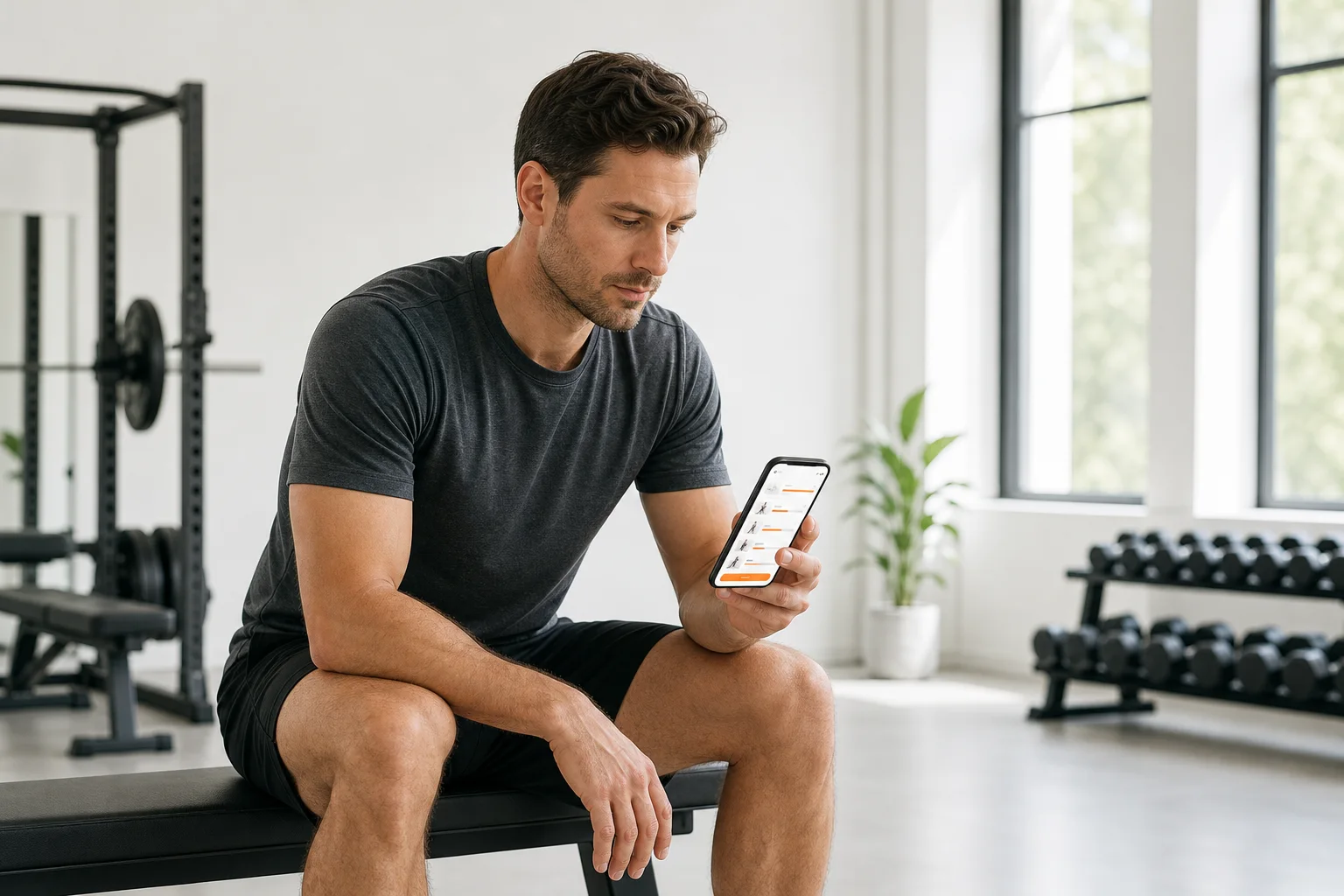
An AI workout plan app can turn a goal and a few preferences into a ready-to-use routine. But a fast plan is not automatically a good plan. The useful question is whether the app helps you train consistently, understand what to do next, and adjust when real life gets in the way.
When comparing apps, look past the word “AI.” Check how a plan is personalized, whether you can edit it, how your training records are handled, and whether you can involve a real trainer if you want to. Here’s a practical checklist, plus an example of how GymPT supports both self-directed training and trainer input.
What should an AI workout plan app actually help you do?
A useful app should help you move from intention to a repeatable routine. That means more than suggesting a list of exercises: you should be able to see how often to train, what each session involves, and how to keep a record of what you completed.
For general context, U.S. physical activity guidance recommends that adults include muscle-strengthening activity involving the major muscle groups on at least two days each week. That is a broad guideline, not a personalized prescription. Your schedule, experience, equipment, goals, and preferences still matter when building a plan.
Some apps generate a workout from a prompt, while others let you build a program manually or bring in a plan from a coach. These are different workflows. Choose the one that gives you a clear next step without making the tool’s automation the point of training.
Seven checks before you choose an AI workout plan app
1. Does it ask about the things that shape your week?
Useful personalization starts with practical details: your goal, training experience, days available, session length, and equipment. If the app ignores your actual schedule or assumes access to equipment you don’t have, the plan may look polished but be difficult to follow.
Check whether you can update those details when circumstances change. If you can train three days this month but only two next month, you need a way to make the plan fit rather than forcing every week into the same template.
2. Can you understand and adjust the plan?
Look for clear exercise names, sets and repetitions or time targets, rest guidance where relevant, and a way to substitute movements when equipment is unavailable. You should be able to review a plan before using it and make choices that suit your training preferences.
A plan should also make its basic structure understandable. If you can’t tell what the session is asking you to do, or how it relates to your stated goal, the app has not made planning easier.
3. Does it support progression without promising magic?
Training records give you context for future decisions. A good app makes it possible to note what you did and review those records when deciding whether to repeat, adjust, or progress a workout. Be wary of confident claims that a plan will guarantee a particular result or adapt perfectly to every situation.
Progression is not always a simple instruction to add weight. Your recent sessions, exercise technique, recovery, and whether you can complete the planned work all inform sensible next steps. An app can help organize information; it should not present a generated suggestion as a certainty.
4. Can you keep training without paying for every core action?
Compare what is included in the basic experience with what requires payment, credits, or an eligible feature. Make sure you know what happens when you want to save a plan, log a workout, or keep a record over time. Read the app’s own requirements before using optional features, because availability and costs can vary.
GymPT’s core training does not require a paid subscription. A free account saves records and connections. Members can build a manual program without AI credits, request optional AI assistance, or review and save a personal trainer’s program proposal. Some optional AI actions require credits, and eligible Premium features have separate requirements shown before use.
5. Is there a real person in the workflow if you want one?
AI can be a planning aid, but it is not the same as an ongoing relationship with a qualified trainer. If you already work with a personal trainer—or might want to—check whether the app supports a clear, reviewable handoff instead of presenting automated output as a substitute for professional judgment.
With GymPT, a personal trainer can prepare a program proposal manually or with AI in the web workspace. You decide whether to review, save, and use that proposal. You can also choose which programs, workout records, and notes to share with your trainer; the trainer reviews only what you permit. Optional weekly AI summaries require the appropriate grants.
6. Are sharing controls clear and specific?
Training logs can contain personal information about your habits and routines. Before connecting with a trainer or gym, find out what you are sharing, who can see it, and whether you can control the connection. A connection should not be treated as permission for everyone at a facility to view your training information.
In GymPT, trainers’ access is permission-based. Gyms manage their accessible branches, staff roles, and approved GymPT connections; this does not mean a gym has unrestricted access to members’ training records.
7. Does the app feel usable on an ordinary training day?
Try following a sample session. Can you find the next exercise quickly? Can you record what you did without breaking your flow? Is it easy to find your saved program later? A simple workflow you will actually use is more valuable than a long feature list you rarely open.
Pay attention to what happens when your plan needs a change. A busy week, a full equipment area, or a missed session should not make it confusing to return to training. The best fit is usually the app that makes your next sensible action obvious.
A practical way to test an app before committing
- Write down your real constraints. Note how many days you can train, your usual session length, your available equipment, and what you want to work toward.
- Review the suggested plan. Check whether its sessions and exercise choices match those constraints. Make sure you know what each workout asks you to do.
- Try a week, not just a preview. Log the workouts you complete and see whether the recording process is convenient enough to repeat.
- Check how changes work. See whether you can adjust the plan when your schedule or equipment changes, rather than restarting from scratch.
- Review privacy and pricing. Find out what is saved, what is shared, and which optional actions have separate requirements.
- Decide whether you want trainer involvement. If you do, check how a trainer can review your shared information and how you accept or decline a program proposal.
This test helps you judge the app by the training experience it supports—not simply by how quickly it can produce a plan.
How GymPT fits into this checklist
GymPT brings individual training, personal trainers, and gyms into one connected app, with optional AI support. You can start by building a manual program without AI credits, keep training records with a free account, or choose optional AI assistance where available. If a trainer prepares a proposal for you, you remain in control of whether to save and use it.
For example, imagine you want a manageable strength routine around two or three available training days. You can create a manual program, record completed workouts, and review your own training history. If you have an approved trainer connection, you can choose which records and notes to share. Your trainer can then review the information you permitted and prepare a proposal for you to consider. The app supports the workflow; the decision to use the proposal remains yours.
If you’re still shaping your routine, start with a simple beginner strength training plan. If you prefer a schedule with a clear weekly structure, explore how to choose an AI workout schedule app that fits your week. For a deeper look at adjusting a routine to your current level and available days, read about an adaptive workout generator.
Keeping a record is also part of choosing a plan you can evaluate. See what to look for in an exercise tracking app and workout log so your training history stays useful and easy to review.
The bottom line
The right AI workout plan app is not necessarily the one with the most automated features. It is the one that helps you make a realistic plan, understand and record your sessions, and adjust your approach without losing control of your choices and information.
Check the plan’s fit, progression support, flexibility, privacy controls, costs, and access to human coaching. GymPT offers manual planning, optional AI assistance, and a permission-based way to review a trainer’s proposal—so you can choose the level of support that fits your training.