Gym Equipment Availability and Member Training: A Practical Gym Workflow
Equipment bottlenecks can disrupt a member’s planned session. Learn how gym teams can keep equipment information current, help trainers prepare sensible alternatives, and support member-chosen training without overpromising live availability.
In this article
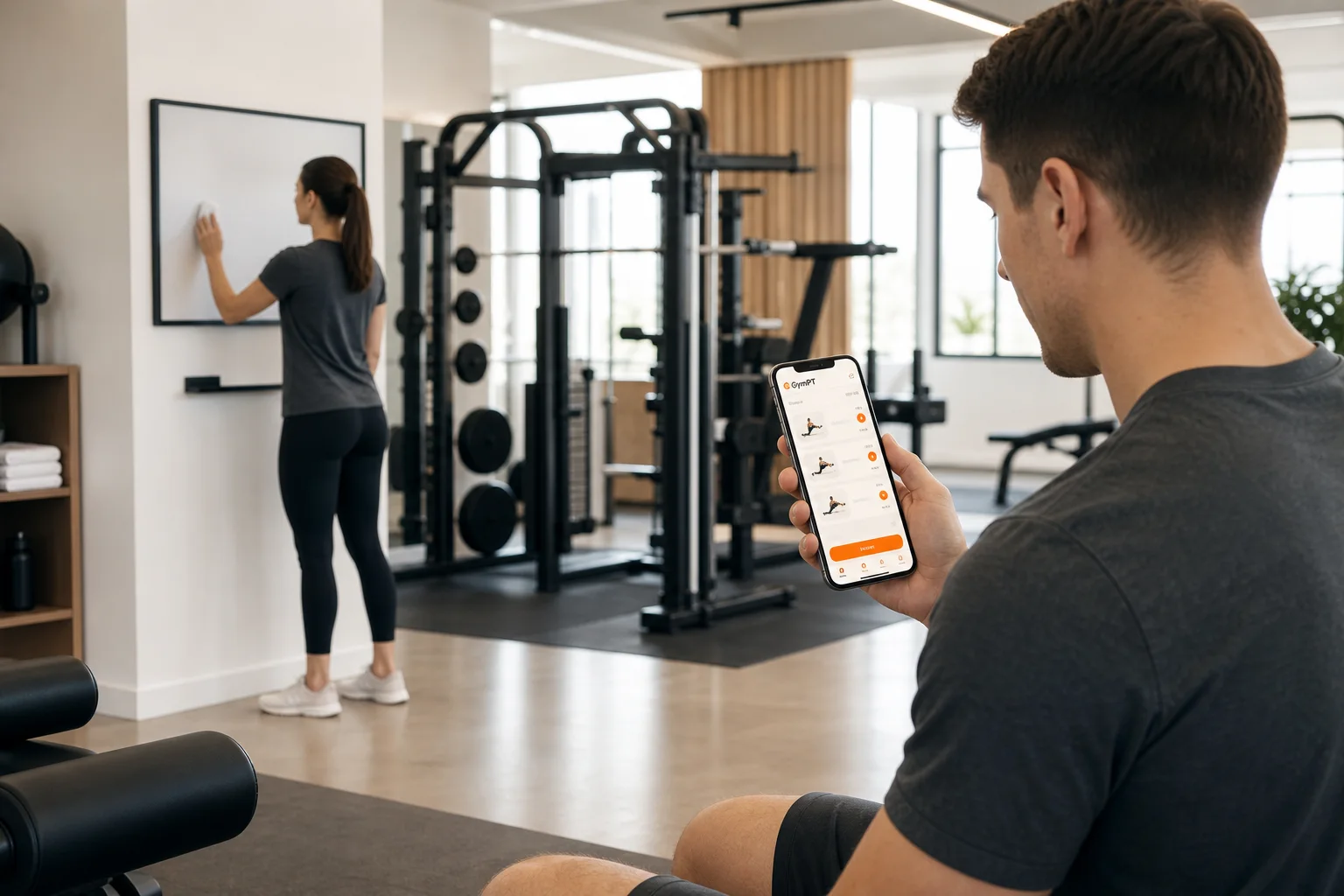
Gym equipment availability and member training are connected by a simple reality: a workout plan meets a shared floor, where equipment may be occupied, out of service, or located at another branch. A useful gym workflow does not promise that every station will be free. It helps members and coaches respond when the plan meets the conditions of the day.
For gym owners and staff, the goal is to make equipment information dependable and give trainers a clear way to discuss substitutions. Members should remain in control of their training choices, and personal trainers should work only with the records and notes each client permits them to share. GymPT can support individual training, trainer collaboration, and approved gym connections, but it is not a live equipment-status or booking system.
Why equipment availability belongs in the training conversation
A program may be well designed and still be awkward to follow if it depends on one popular machine during a busy period. The practical response is not necessarily to replace the exercise permanently. Instead, identify the training purpose, agree on an appropriate alternative in advance, and make it clear when the original option is preferred.
Equipment type alone does not determine whether a resistance-training plan is useful. The 2026 American College of Sports Medicine position stand reports that, for average healthy adults, using machines versus free weights did not consistently change outcomes. That supports flexibility in exercise selection, not a rule that every exercise is interchangeable. Coaches still need to consider the member’s goals, experience, technique, comfort, and the intended challenge.
That distinction matters operationally: a member waiting for a specific station needs a helpful next step, not pressure to improvise a movement they do not know. A trainer can prepare options; staff can keep status information clear; and the member can decide whether to use an alternative, wait, or adjust the session.
Build a simple equipment information routine
Reliable decisions start with current, easy-to-understand information. Use the tools your gym already has—such as a staff communication process or an equipment-status board—to make it clear when an item is unavailable. Avoid presenting informal observations as a guarantee that equipment will be free later.
- Keep a branch-specific equipment list. Record the main equipment and training areas available at each location. Include useful details such as the number of stations or whether a setup is shared, when those details affect planning.
- Use clear status language. Distinguish between “temporarily unavailable,” “under maintenance,” and “available, but in use.” Assign responsibility for updating the status so members and coaches are not relying on an old note.
- Share changes through an established staff channel. If a machine is taken out of service, make sure the staff who support members and trainers know. When it returns, update the same source rather than leaving contradictory messages in circulation.
- Review recurring bottlenecks. Staff can note which equipment repeatedly causes delays during particular periods. Treat this as an operational observation, not as complete usage analytics unless the gym has a separate, reliable way to collect that information.
This process does not require a complex technology project. Its value comes from making basic information consistent. For multi-location operations, keep branch details separate and ensure staff access is appropriate to each person’s responsibilities. GymPT gym connections and staff roles are managed through approved access; they should not be treated as permission to view every member’s training information.
Help trainers prepare equipment-aware options
Before a coaching session or program update, a trainer can ask which branch the member expects to use, what equipment is usually accessible at the planned time, and whether the member has a preferred alternative. These questions are more useful than assuming the whole gym floor is available.
Use an “original, alternative, decision” structure
- Original: identify the planned exercise and the equipment it needs.
- Alternative: choose one or two options that serve a similar training purpose and suit the member’s experience and available equipment.
- Decision: explain when to wait for the original setup, when the alternative is reasonable, and when to skip or reschedule rather than substitute without guidance.
For example, if a planned cable station is occupied, a trainer might offer a familiar resistance-band variation or a suitable dumbbell option. The coach should confirm that the alternative matches the member and the intended session; a similar-looking movement is not automatically equivalent. Keep instructions specific enough that the member can recognize the option and know when to ask for help.
A practical program review can also flag equipment that exists only at one branch, depends on a scarce setup, or is unfamiliar to the member. Where a plan needs revision, trainers can prepare a program proposal in GymPT’s web workspace, manually or with optional AI support. The member reviews the proposal and chooses whether to save and use it. AI can assist a trainer’s work; it does not replace professional judgment or the member’s choice.
For a deeper exercise-selection framework, see personal trainer equipment-based programming.
Use member training records as context, not surveillance
When an equipment issue changes a session, the member’s own workout record can help a trainer understand what was completed and what was adjusted—if the member has permitted that information to be shared. A brief note such as “used the available dumbbell option” can give a coach useful context without turning an ordinary equipment delay into a performance judgment.
In GymPT, trainers review only the programs, workout records, and notes their clients allow them to share. Weekly AI summaries also depend on the appropriate permissions. Gym staff should not assume that an approved connection grants broad access to member training data, and a gym-level workflow should not be presented as an unrestricted dashboard of personal records.
When a record is incomplete, treat it as incomplete rather than guessing why. The trainer can ask a permission-appropriate follow-up, clarify whether the member wants a plan adjustment, and use the answer to guide a review. For more on that situation, read personal trainer progress review with incomplete data. For a broader consent process, see the personal trainer client privacy workflow.
A practical gym workflow for equipment disruptions
- Staff confirm the constraint. Verify whether the equipment is occupied or out of service, and update the gym’s established information source if needed.
- The member chooses a next step. They may wait, use an alternative they already know, ask a trainer or staff member for guidance, or adjust the session.
- The trainer reviews the context if invited. If the member shares the relevant program, workout record, or note, the trainer can use it to understand the change. Do not assume access where permission has not been granted.
- The trainer proposes a change when needed. A program proposal can clarify the original exercise, the acceptable alternative, and any relevant equipment or branch context. The member decides whether to save and follow it.
- Staff address the operational cause. If the same item is repeatedly unavailable, review maintenance communication, floor layout, or the gym’s equipment planning process. Do not treat a single member’s record as a full measure of facility demand.
For teams coordinating approved gym connections and staff responsibilities, gym trainer collaboration responsibilities offers a related workflow. Keep branch permissions and approved connections clear as staff or locations change.
Make the process useful without overpromising
Members benefit when they know what equipment a branch has, how staff communicate temporary restrictions, and whom to ask about an unfamiliar alternative. Trainers benefit when programs account for likely constraints and when clients can share relevant records by choice. Gym operators benefit from a repeatable process that separates floor operations from private coaching information.
GymPT supports member-led training records, manual program building, optional AI assistance, and trainer proposals that members can review and save. Core training does not require a paid subscription, and members can build a manual program without AI credits. Optional AI actions may require credits, while eligible Premium features have separate requirements shown before use. These tools can support the training conversation, but gyms should use their own reliable process for equipment status and should never promise live availability through GymPT.
The most dependable approach is straightforward: keep equipment information current, prepare sensible options, let members make informed choices, and keep access to personal training data permission-based. That makes equipment-aware planning part of good service—not a guarantee that every workout will go exactly as written.