Gym AI Support and Human Trainer Roles: A Practical Guide
AI can help with parts of a fitness workflow, but it does not replace professional judgment or member choice. Learn how gyms can define clear boundaries for AI support, trainer review and staff access.
In this article
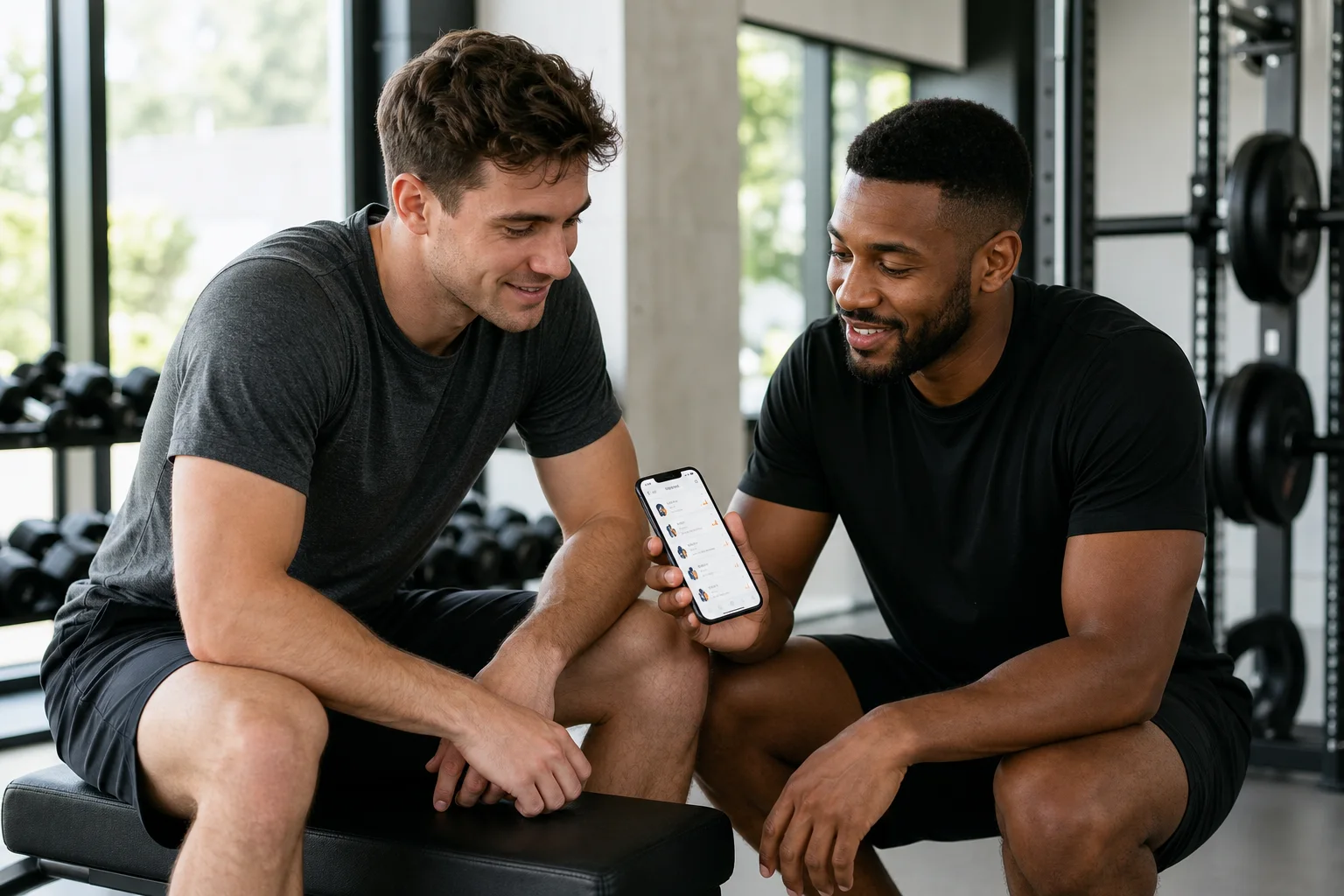
Gym AI support and human trainer roles work best when each has a clear job. AI may help a member or trainer with selected tasks, while a real coach brings context, communication and professional judgment. Gym staff, meanwhile, need clear boundaries around branch administration and access to member information. Treating these as separate responsibilities helps teams adopt useful technology without implying that every staff member can see every training record or that AI replaces coaching.
For gym owners and managers, the practical question is not simply whether to use AI. It is how to explain who does what, what information is shared, and who makes the final training decision. This guide offers a workflow for doing that, including how those roles can work in GymPT.
Define the three roles before choosing a workflow
Start by separating three activities that are easy to blur together: individual training, professional coaching and gym administration. They can connect, but they are not interchangeable.
- Member-led training: A member chooses how to structure their training. In GymPT, members can build a manual program without AI credits, use optional AI support, or review a personal trainer’s proposal and decide whether to save and use it. Core training does not require a paid subscription; a free account saves records and connections.
- Trainer-led coaching: A personal trainer uses their expertise to review relevant information that a client permits them to share, communicate with the client and prepare a program proposal. A trainer may draft a proposal manually or with AI in the GymPT web workspace. The member reviews it and decides whether to save and use it.
- Gym administration: Gym staff manage the branches they can access, staff roles and approved GymPT connections. This is an operational role, not permission to inspect every member’s training records or to run unrestricted AI analysis of member data.
This distinction is useful when writing staff guidance and answering member questions. A gym connection does not automatically mean that all gym staff can view an individual’s program, workout history or notes. Trainers review only the training information their clients permit them to share. Optional weekly AI summaries also require the appropriate grants.
Gym AI support and human trainer roles need clear boundaries
AI can assist with selected tasks, but its output should not be treated as a finished professional decision. Exercise professionals still need to check whether a suggestion fits the client, the stated goal and the information available. Industry guidance on AI use similarly emphasizes review and human oversight, rather than relying on generated recommendations without judgment.
For a gym, that principle can become a simple rule: AI can support a permitted task; a person remains responsible for deciding whether and how to act on the result. A trainer should review a draft before presenting it as a proposal. A member should be able to review a proposal before choosing to save and use it. Staff should not describe AI support as a diagnosis, a substitute for a trainer, or a gym-wide view of member health or training data.
In GymPT, optional AI actions may require credits, and some eligible Premium features have separate requirements displayed before use. Manual program building does not require AI credits. Explain these distinctions plainly; do not imply that every AI-supported action is included in every account or that a paid feature is required for core training.
Set up a permission-first workflow for gym teams
A short, repeatable workflow can help staff understand where administrative work ends and coaching access begins. Use these steps when onboarding a branch or reviewing how teams collaborate:
- Confirm the operational scope. Make sure the staff member has access only to the branch or branches they are responsible for managing, and assign a role that matches their duties.
- Check the connection. Use approved GymPT connections rather than assuming that a member’s presence at a gym grants staff access to their training information.
- Explain sharing in everyday language. Tell members that a trainer can review only programs, workout records and notes they permit them to share. If weekly AI summaries are part of the workflow, explain that the necessary grants are required.
- Use only relevant information. Before a trainer reviews records or follows up, confirm that the information is permitted and relevant to the coaching task. Avoid forwarding private details through informal channels or discussing them where others can overhear.
- Keep the member in the decision loop. A trainer can prepare a proposal manually or with AI in the web workspace. The member reviews the proposal and decides whether to save and use it.
- Review access when responsibilities change. When staff roles or branch responsibilities change, review the corresponding access and approved connections rather than relying on old assumptions.
This is a practical operating pattern, not a substitute for reviewing the laws, contracts and privacy policies that apply to your gym. Privacy responsibilities can vary with the information collected, the services provided and the jurisdiction. Set access and staff practices with that context in mind.
Example: from a training check-in to a reviewed proposal
Imagine a member has shared selected workout records and notes with their personal trainer. The trainer reviews those permitted records and asks the member what they would like to prioritize next. If useful, the trainer drafts a proposal in the web workspace, manually or with AI support, then checks the result before sharing it for the member’s review.
The trainer explains the reasoning and invites the member to consider whether the proposal fits their preferences and schedule. The member decides whether to save and use it. If the member has not granted access to particular records or notes, the trainer does not assume they can see them. The gym’s administrative staff manage branch access, staff roles and approved connections; they do not become reviewers of the member’s training data just because they work at the same facility.
This example keeps the roles visible: AI may assist with preparation, the trainer applies professional judgment and communicates with the client, and the member makes the choice about using the proposal. For more on permission-based client information, see the personal trainer client privacy workflow and the gym member consent and privacy guide.
Make the workflow understandable to staff and members
A role-based process is only useful if people can explain it consistently. Give staff a brief set of talking points and revisit them during onboarding or when your process changes.
- For members: Explain that manual programs are available without AI credits, optional AI actions may have requirements shown before use, and a trainer proposal is for the member to review and decide about.
- For personal trainers: Reinforce that they review only what clients permit them to share, check AI-assisted drafts before presenting them and keep the client’s decision central.
- For gym staff: Clarify which branches and staff roles they manage, how approved connections work and that administrative access is not unrestricted access to member training information.
When trainers and gym teams have overlapping responsibilities, define how they coordinate without broadening access by default. Gym trainer collaboration responsibilities can help teams clarify handoffs. For a closer look at member choice when reviewing a trainer’s plan, see the program proposal feedback workflow.
Use AI as support, not as the gym’s coach
A strong gym workflow does not need to make AI the center of every interaction. It needs clear permission, careful review and a human point of contact when coaching judgment matters. GymPT supports individual training, real personal trainers and gyms in distinct but connected roles: members can train manually or use optional AI support, trainers can review permitted information and prepare proposals, and gyms can manage accessible branches, staff roles and approved connections.
Keep those boundaries explicit in your operating guidance. That makes it easier for members to understand their choices, for trainers to use AI with appropriate review, and for gym teams to manage connections without promising access or analysis the workflow does not provide.