AI exercise recommendation app
AI Exercise Recommendation App: How Personalized Workout Suggestions Work
An AI exercise recommendation app can turn a vague fitness goal into practical workout suggestions that fit your schedule, equipment, experience, and progress. Here is how the process works in a real training scenario.
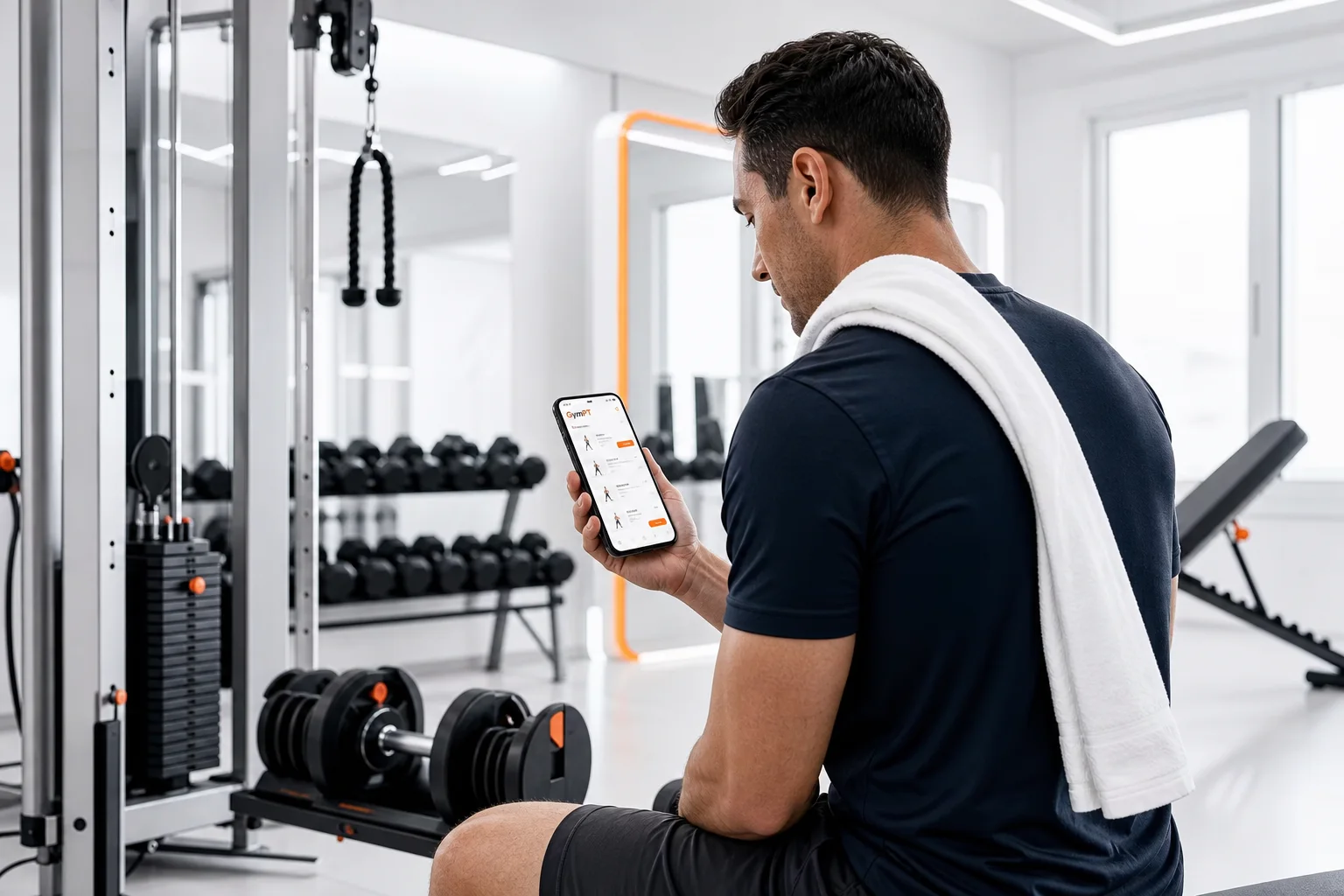
An AI exercise recommendation app can help answer one of the most common training questions: “What should I do today?” Instead of showing the same routine to everyone, it can use information about your goal, experience, available equipment, schedule, and recent workout history to suggest a more practical session.
That does not mean the app replaces a qualified coach or makes perfect decisions automatically. A useful recommendation system should make training easier to organize while leaving room for your judgment, feedback, comfort, and real-life circumstances. The best result is not the most complicated workout. It is a session you can perform safely, understand clearly, and repeat consistently.
What an AI exercise recommendation app actually recommends
A recommendation is more than a list of exercises. A well-designed app may help organize several training decisions:
- Exercise selection: Which movements match your goal and available equipment?
- Training structure: Should the session be full-body, upper body, lower body, or focused on a specific muscle group?
- Sets and repetitions: How much work is appropriate for your current experience and objective?
- Exercise order: Which demanding movements should come earlier in the session?
- Progression: When might it make sense to add repetitions, load, or another set?
- Substitutions: What can you do if a machine, bench, cable station, or dumbbell is unavailable?
These decisions still rely on established training principles such as consistency, goal alignment, progressive overload, and manageable weekly volume. Current resistance-training guidance emphasizes that regular participation matters more than chasing a supposedly perfect routine, and that programs should reflect individual goals, preferences, comfort, and safety.
For a broader explanation of how digital coaching can support—not replace—human judgment, see AI Strength Coach App: How to Train Smarter Without Giving Up Human Judgment.
How personalized workout recommendations work in a real scenario
Imagine a user named Jordan. Jordan wants to build strength and muscle, can train three days per week, has about 45 minutes per session, and has access to adjustable dumbbells, a cable station, and a leg press. Jordan has trained occasionally before but has not followed a structured plan for several months.
Step 1: The app starts with context
Jordan’s recommendation should begin with useful information rather than a random exercise library. The app may ask about:
- Primary goal, such as strength, muscle development, general fitness, or consistency
- Training frequency and preferred session length
- Experience level and familiarity with common movements
- Equipment available at home or in the gym
- Exercises Jordan enjoys, dislikes, or cannot currently perform comfortably
- Recent workout history and progress data
This first step is important because a workout that looks effective on paper may be a poor recommendation if it requires equipment Jordan does not have, takes twice as long as expected, or includes movements that do not fit the user’s current experience.
Step 2: The app builds a practical session
Based on that context, an AI workout planner might suggest a full-body session containing a leg press, dumbbell bench press, cable row, Romanian deadlift, lateral raise, and a short core exercise. The exact exercise list is less important than the reasoning behind it: the session covers major movement patterns, fits the available equipment, and remains realistic within 45 minutes.
The app may also recommend a warm-up, rest guidance, a target repetition range, and a simple way to record the load used. Jordan can then review the plan before starting rather than blindly following instructions.
Step 3: The user provides feedback
During the workout, Jordan notices that the dumbbell bench press feels comfortable, but the Romanian deadlift is difficult to control. Instead of treating the original plan as fixed, Jordan can record the result, adjust the load, ask the AI coach for clarification, or choose a suitable alternative.
This is where an AI exercise recommendation app becomes more useful than a static routine. The recommendation can become more relevant over time because it has additional information about completed sets, missed sessions, perceived difficulty, and exercise preferences.
Step 4: The next recommendation reflects the training record
If Jordan completes the prescribed repetitions with good control for several sessions, the app may suggest a small progression. That could mean adding a repetition within the target range, increasing the load modestly, or keeping the same load while improving consistency.
If Jordan misses a week because of travel, the next workout should not assume uninterrupted progress. A sensible adjustment may be to return to a familiar workload instead of immediately adding more volume. The user remains responsible for deciding whether the recommendation feels appropriate on that day.
Why equipment-based recommendations matter
Many workout plans fail because they ignore the environment where training actually happens. A gym member may have access to cables and machines but no barbell platform. Someone training at home may own adjustable dumbbells but no pull-up bar. A recommendation that does not account for those limitations creates friction before the workout even begins.
Equipment-aware planning can improve the usefulness of a session in several ways:
- It reduces the need to search for substitutions while training.
- It helps users make better use of the equipment they already own.
- It can offer alternatives when a station is occupied.
- It makes home and gym routines easier to organize.
- It supports more consistent exercise selection across multiple weeks.
For example, a cable row, chest-supported dumbbell row, and one-arm dumbbell row are not identical, but they can serve a similar programming purpose when selected thoughtfully. The app should explain the substitution rather than presenting every alternative as interchangeable.
If you train at home, AI Home Workout Coach: How to Train Smarter at Home Without Guessing explores how equipment limitations can shape a more realistic plan.
Personalization should include your schedule and preferences
Personalization is not only about body measurements or training history. Your schedule and preferences can be just as important. A theoretically excellent plan is unlikely to help if it requires five weekly sessions when you can reliably complete three.
An adaptive workout app should account for:
- Available days: A two-day full-body plan may be more effective for you than an ambitious split you frequently miss.
- Session length: A 30-minute plan should prioritize the most valuable work instead of attempting to compress a 90-minute routine.
- Exercise preference: Enjoyable movements may be easier to perform consistently and with better attention.
- Training location: The same goal can be approached differently in a commercial gym, home gym, or small apartment.
- Recovery and readiness: A difficult day may call for conservative choices, longer rest, or a reduced workload.
Global activity guidelines encourage adults to accumulate regular physical activity and include muscle-strengthening work. However, guidelines are broad by design. An app can help translate general recommendations into a schedule that is easier for one individual to follow.
What progress data can change
Workout tracking gives recommendations a feedback loop. Without a record, it is difficult to know whether a plan is becoming more manageable, too demanding, or simply inconsistent.
Useful progress signals may include:
- Completed exercises, sets, repetitions, and loads
- Session frequency and missed workouts
- Reported effort or difficulty
- Changes in exercise preferences
- Personal bests and repeated performance trends
- Progress photos or body measurements when the user chooses to track them
These signals should be interpreted carefully. One unusually strong or weak workout does not prove that a program is working or failing. Trends across multiple sessions are generally more useful than isolated results. Progress insights can support better decisions, but they should not create pressure to increase training every time.
For users comparing different training frequencies, How to Choose the Best AI Workout Plan App: 7 Features That Actually Matter covers the planning, tracking, and adjustment features worth evaluating.
How to use AI recommendations without over-relying on automation
The most effective way to use an AI exercise recommendation app is as a decision-support tool. Let it reduce planning friction, but remain an active participant in the process.
- Review the session before starting. Check the exercises, time requirement, equipment, and progression target.
- Choose appropriate loads. The suggested number is a starting point, not a command. Use a load you can control with sound technique.
- Record honest feedback. If an exercise feels uncomfortable, too easy, or too difficult, log that information clearly.
- Ask questions. Use AI coach chat to clarify setup, range of motion, exercise intent, or possible substitutions.
- Make conservative adjustments when needed. Travel, poor sleep, schedule changes, and equipment availability can all affect the right choice for today.
- Look for trends. Judge recommendations over several weeks rather than reacting to every single session.
An app should also be clear about its limits. It cannot diagnose an injury, assess every aspect of movement quality, or know all relevant health information from a screen. Stop an exercise if you experience pain, and seek appropriate professional guidance for medical concerns or conditions that affect exercise participation.
What to look for in an AI exercise recommendation app
If you are comparing apps, focus on whether the recommendations are useful in practice rather than whether the product simply uses the word “AI.” Look for:
- Goal-based planning instead of generic workouts for everyone
- Equipment-aware exercise selection for both gym and home environments
- Clear progression logic that does not push increases without context
- Workout tracking that remembers what you actually completed
- Adjustable session length and frequency
- AI coach chat for practical explanations and substitutions
- Progress insights that show patterns without exaggerated promises
- User control so you can review, modify, or skip a recommendation
GymPT combines personalized workout planning, AI coach chat, body analysis, equipment-based training, workout tracking, and progress insights in one training experience. The goal is not to automate every decision. It is to help you make better-informed decisions with less guesswork.
For a more detailed look at choosing a digital coach, read What to Look for in a Smart Fitness Coach App: 9 Features That Actually Help You Train Better.
The practical takeaway
An AI exercise recommendation app is most valuable when it connects your goal to the realities of your week. It can help select exercises, organize a session, account for equipment, remember your training history, and suggest reasonable next steps.
But personalization is not the same as perfect automation. You still need to review the workout, choose appropriate loads, pay attention to how movements feel, and communicate useful feedback. When technology supports that process instead of pretending to replace it, AI recommendations can make structured training more accessible, flexible, and consistent.